

User Interface Showcase
Browse screenshots of Pelcro's default UI flow and custom UI implementations from client projects.
Use this page to review Pelcro's default UI flow and compare it with custom UI implementations from client projects.
- Browse the default flow from product selection through the customer dashboard.
- Review custom implementations for paywalls, checkout steps, account pages, dashboards, and payment updates.
Default UI
Product Selection
This is the first step in the default flow, where customers choose the product or offer they want to purchase.
Learn how to configure the paywall and its elements—such as the title, subtitle, and button text—here: paywalls documentation.

Plan Selection
After choosing a product, customers move to plan selection to review the billing options available for that product.

Registration and Login
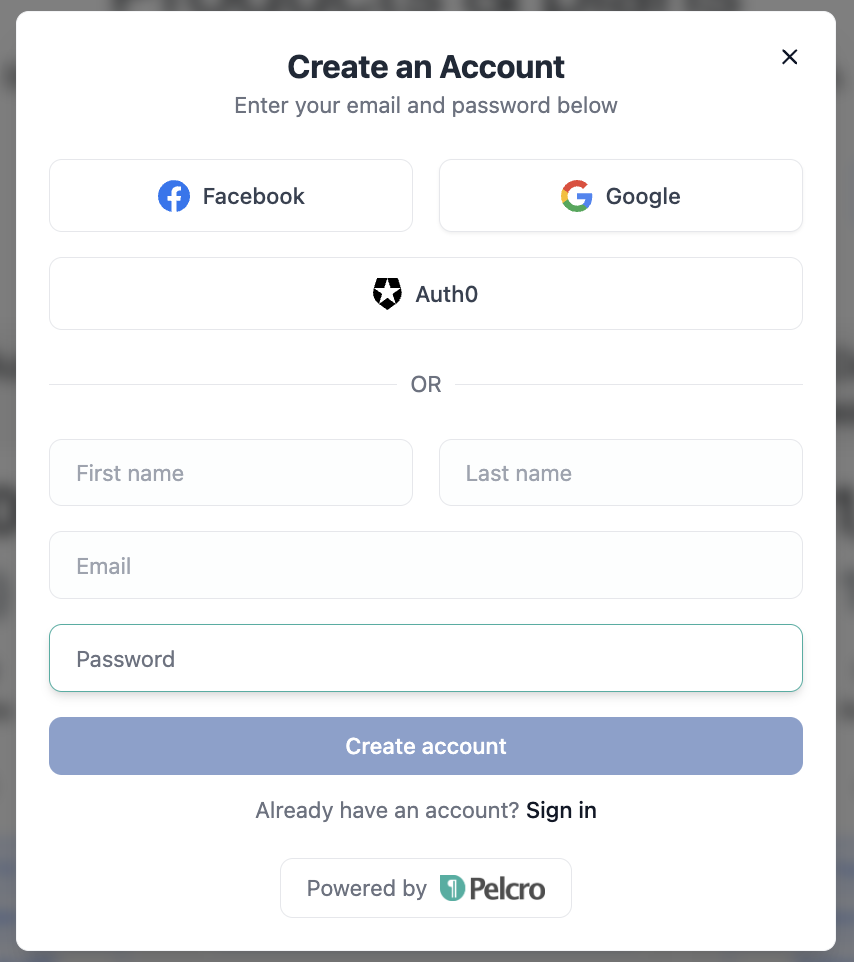
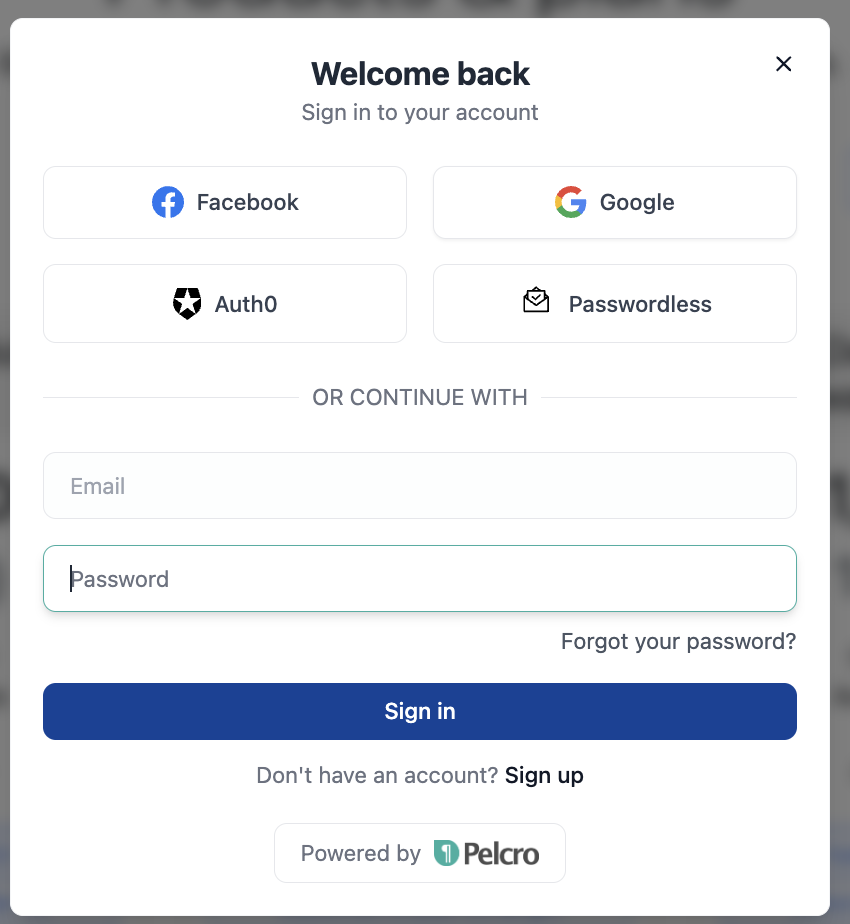
Customers create an account or sign in at this step before continuing to checkout.
To configure social login options and other identity providers, please refer to the documentation provided here: social logins documentation.
Note:
You can add extra fields to the registration form, such as first and last name, by enablingenableNameFieldsInRegisterin your UI settings.
See the React Elements Usage Documentation for more details.
Address Selection
If the purchase requires address details, customers enter them here before payment.

Checkout and Payment
Customers complete the purchase in this step by reviewing the checkout details and submitting payment.
Note:
For added flexibility, you can include a legal consent checkbox in the checkout modal and configure it in the React Elements UI settings.


Customer Dashboard
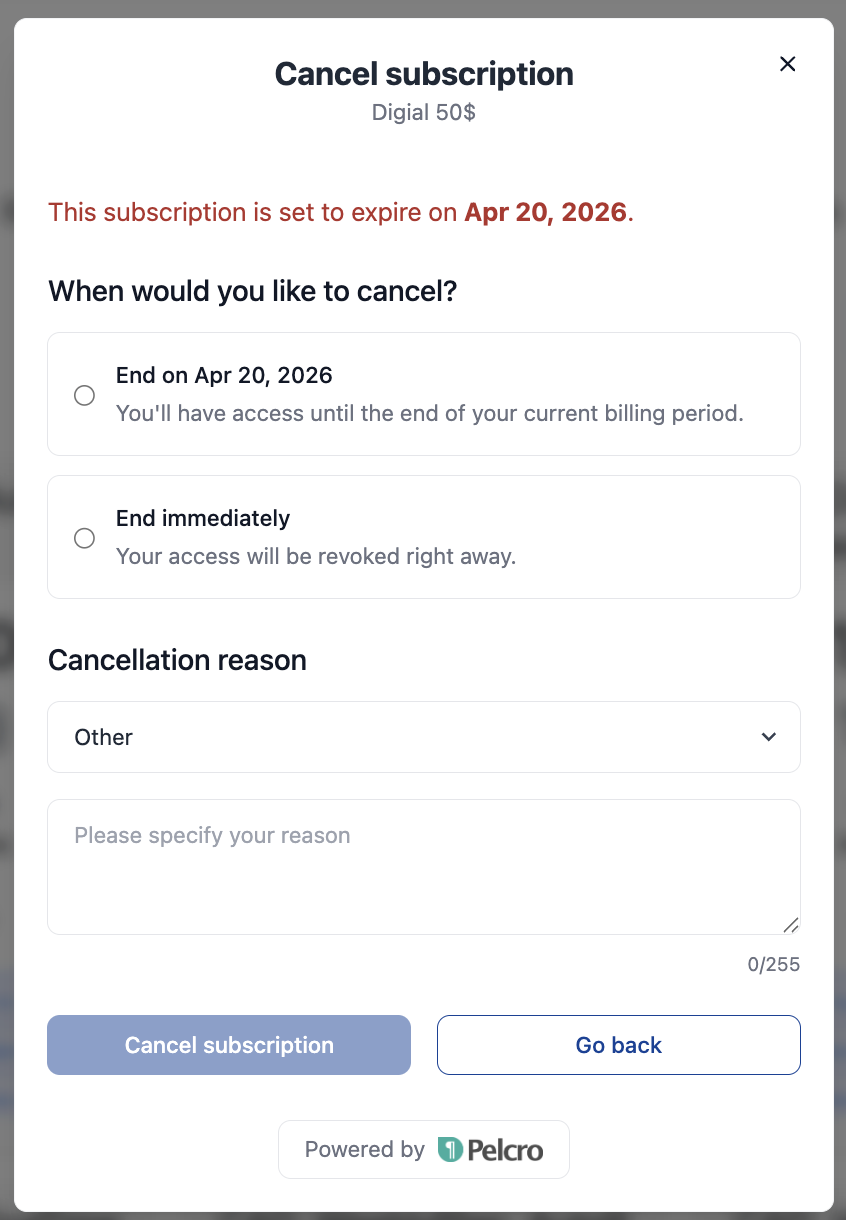
After or pre-purchase, your customers can use the dashboard to manage their account, subscriptions, and payment details.




Note:
Subscription management and cancellation behavior can be configured from the platform.
You can set up cancellation reasons, refund behavior, and immediate cancellation—refer to the Subscription Documentation for further details.
Custom UI Examples
Paywall
Wide meter paywall
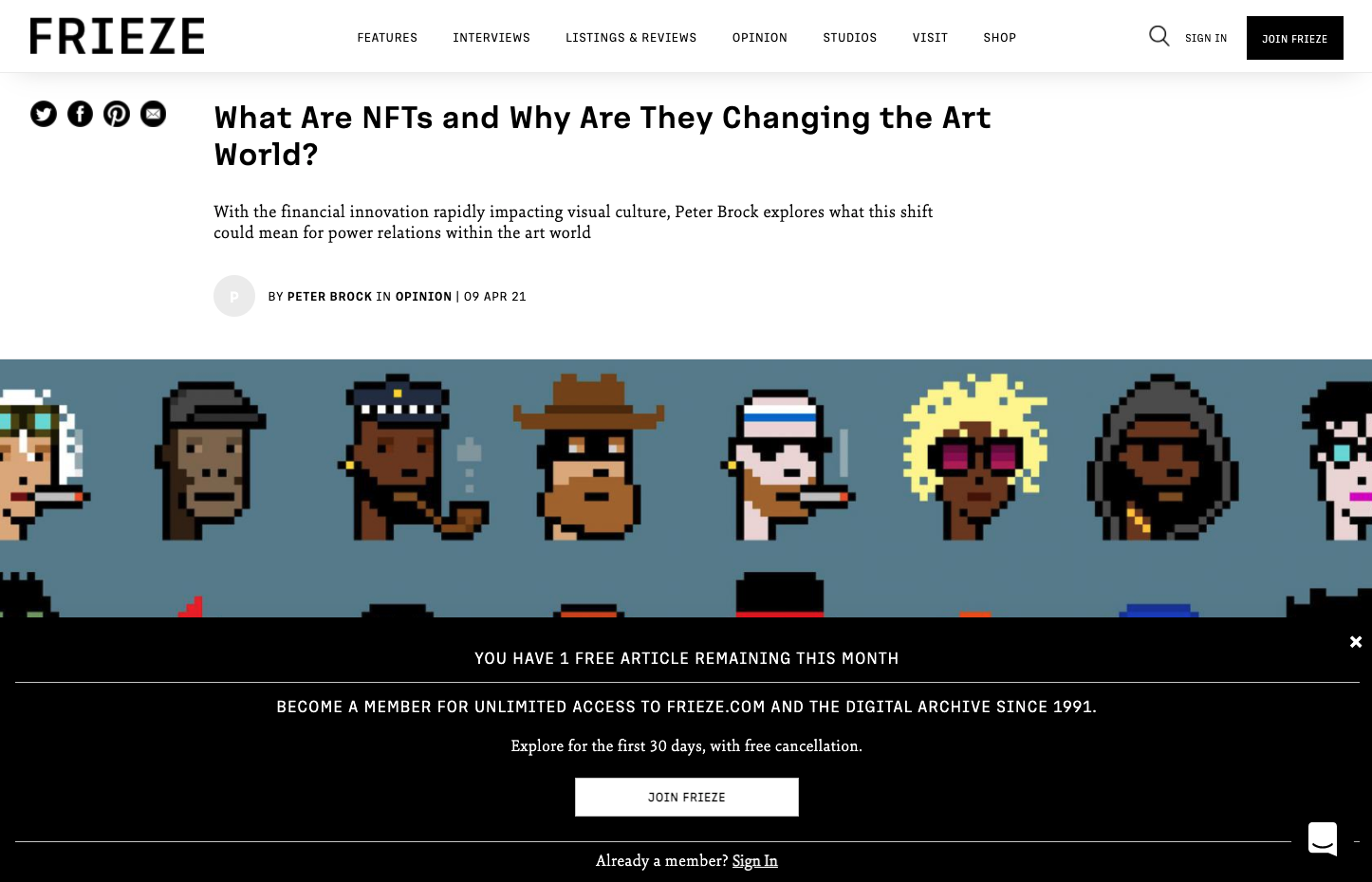
Frieze's metered Paywall
EdWeek's metered paywall
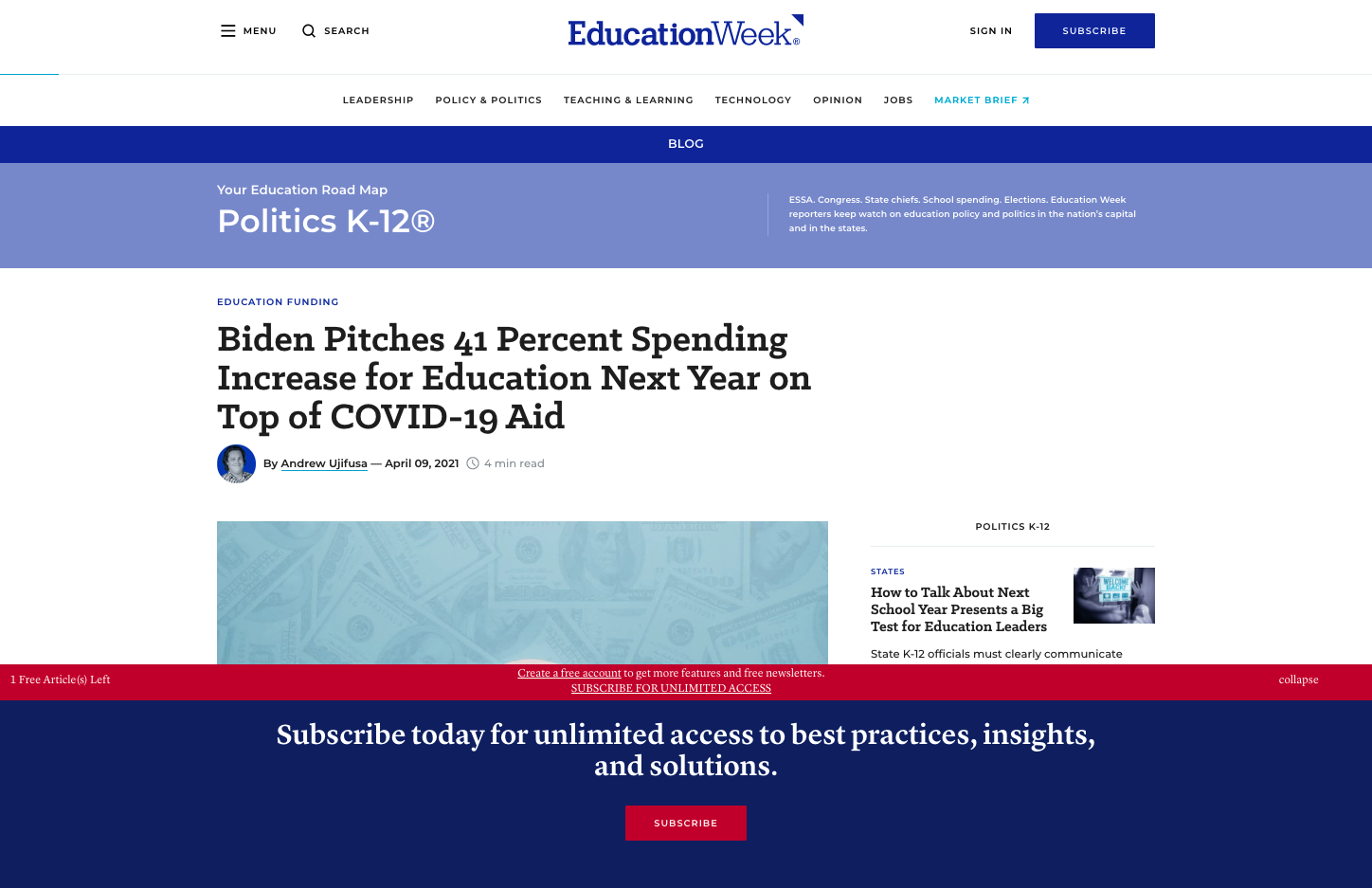
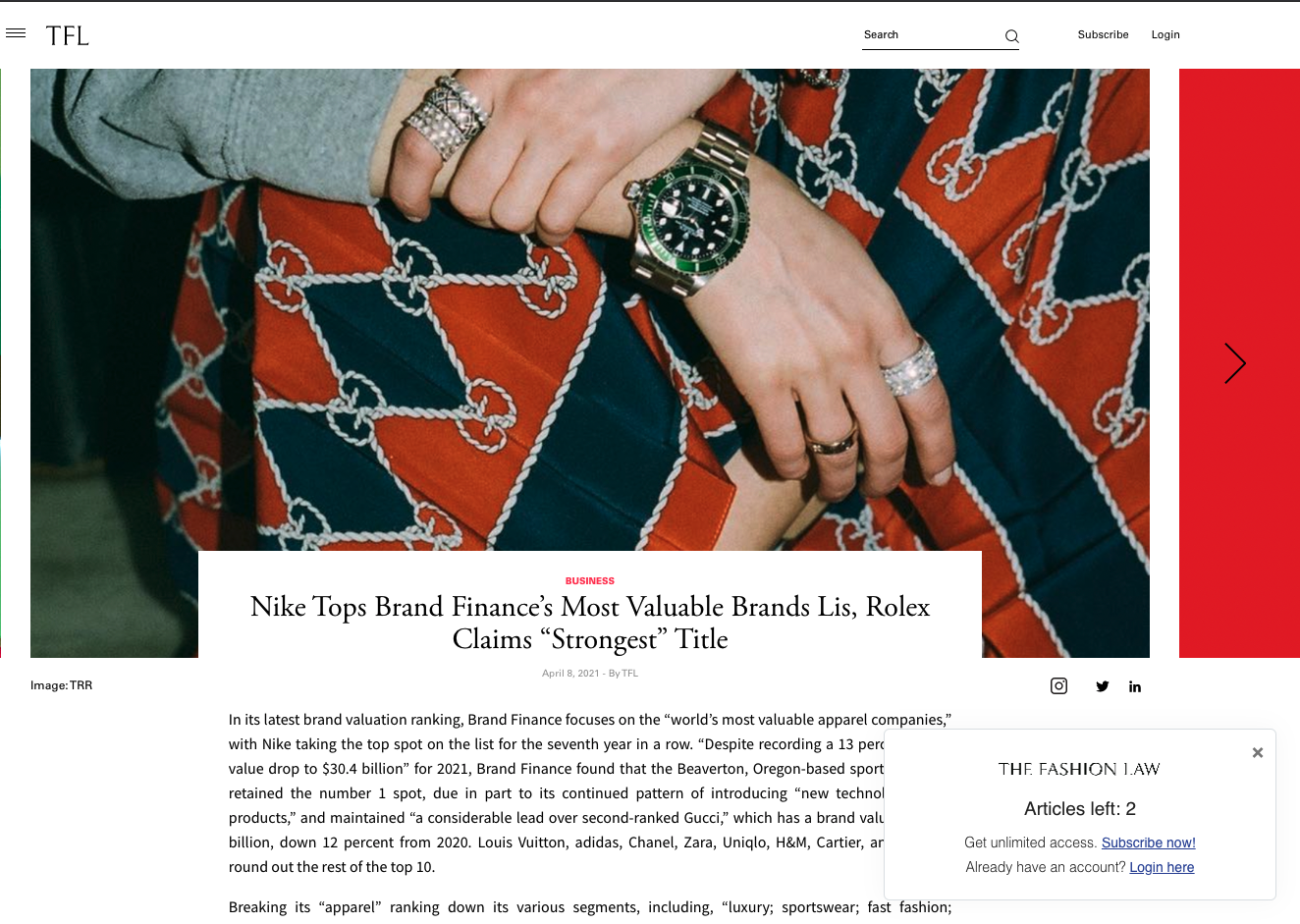
Regular Metered Paywall
TheFashionLaw's metered paywall, using the Out-of-the-Box UI
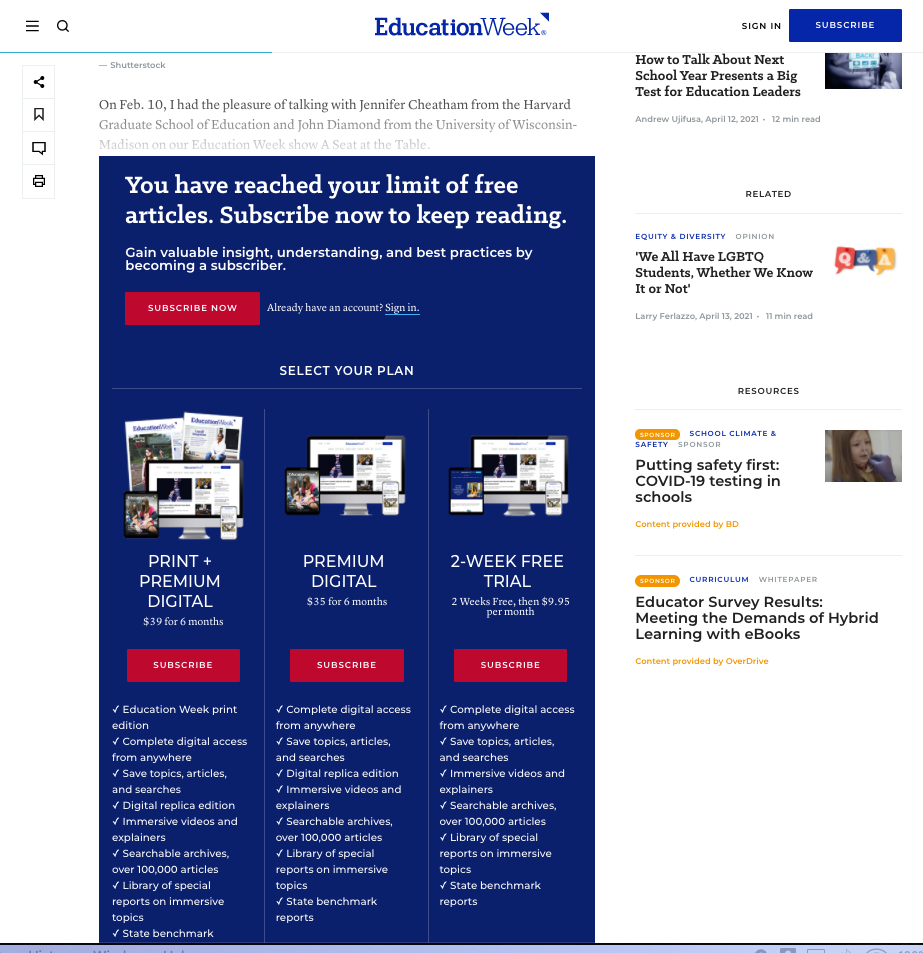
Embedded paywalls
EdWeek's Embedded Paywall
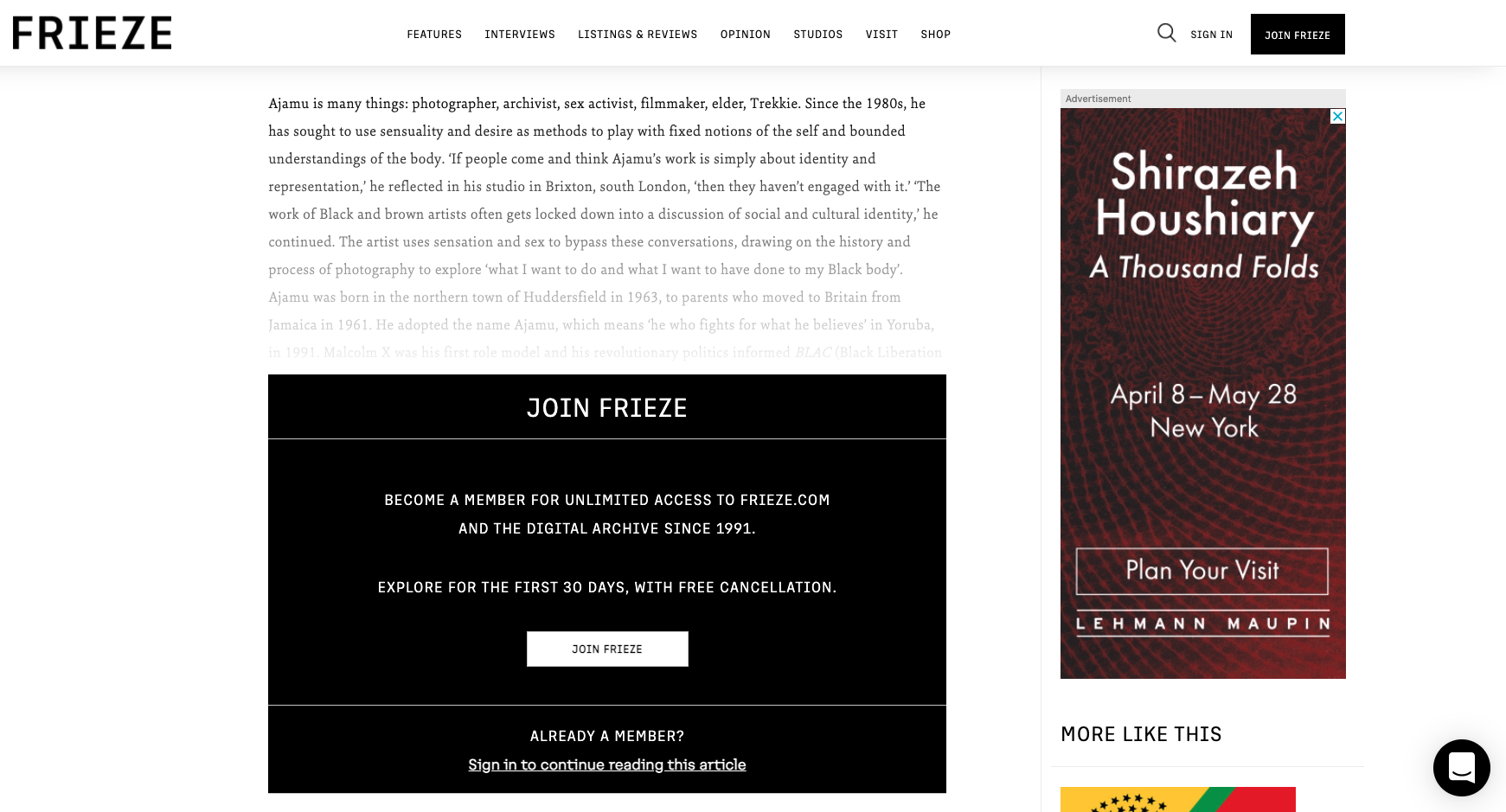
Frieze's Embedded Paywall
Product selection
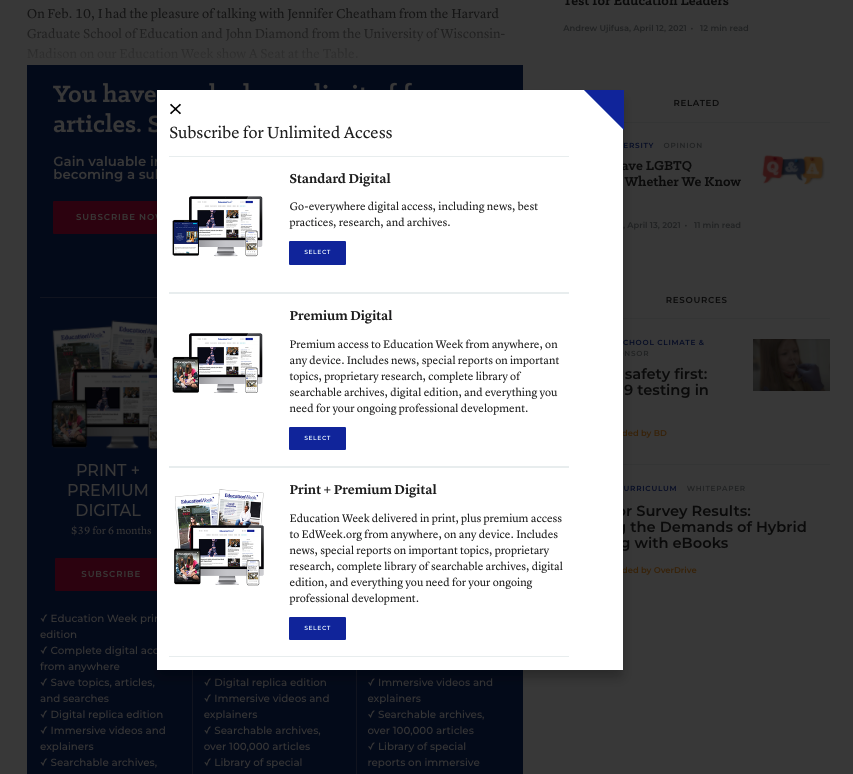
EdWeek's Product selection modal
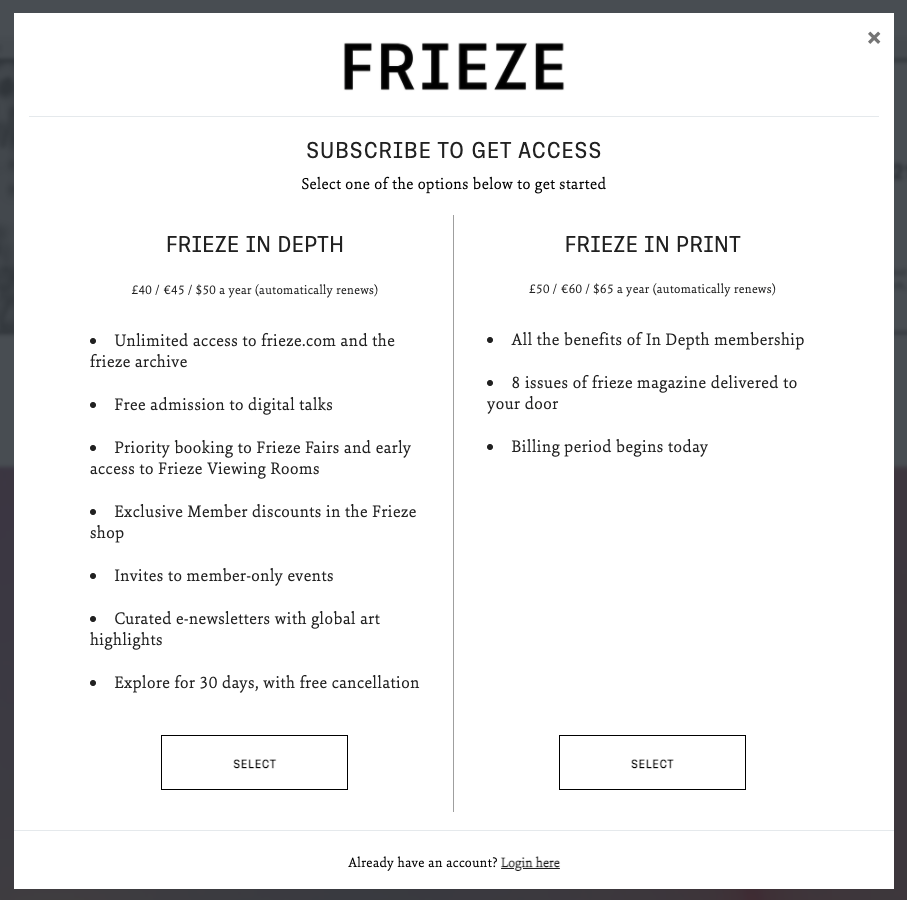
Frieze's Product selection modal
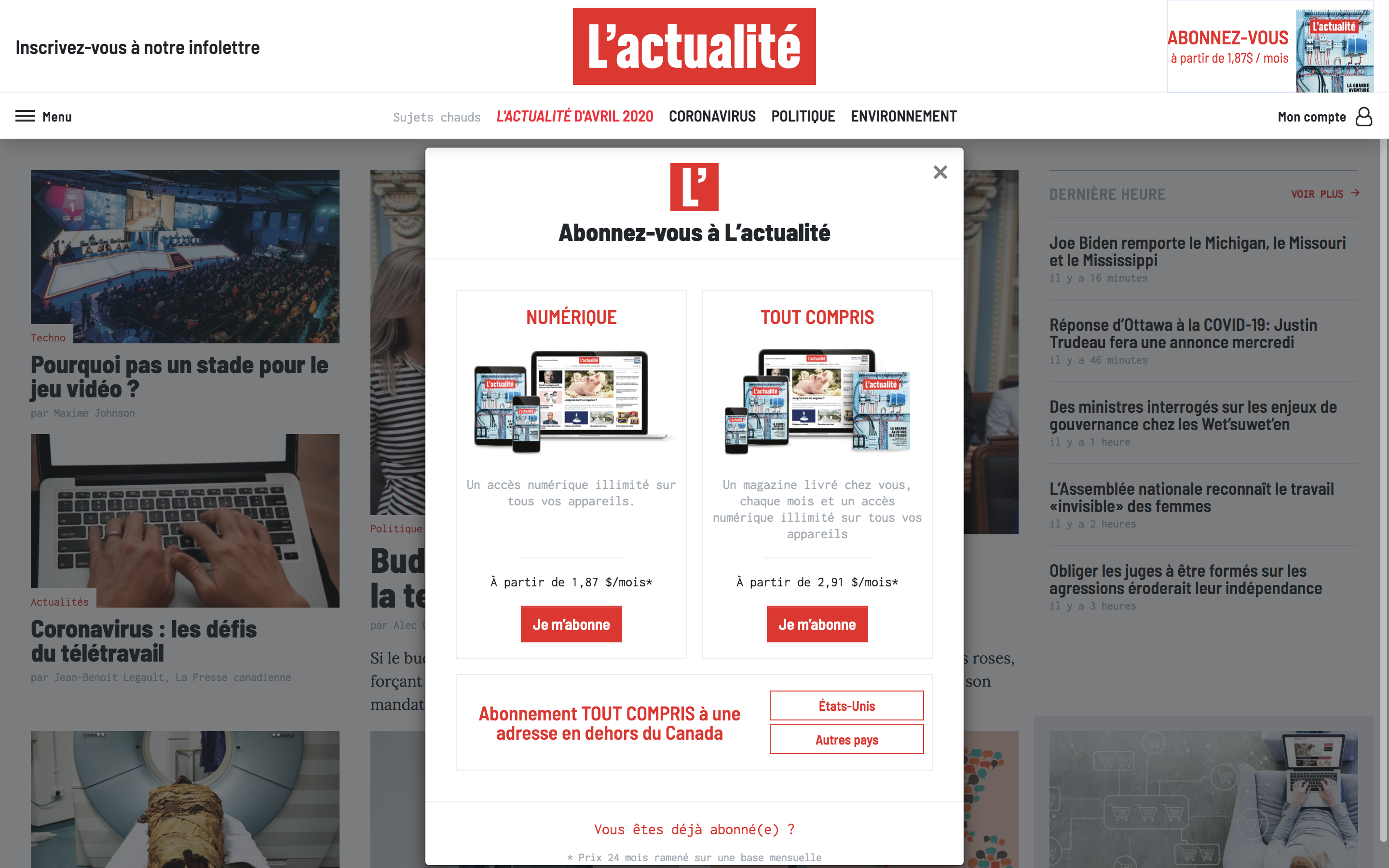
L'Actualite's Product selection modal
Plan selection
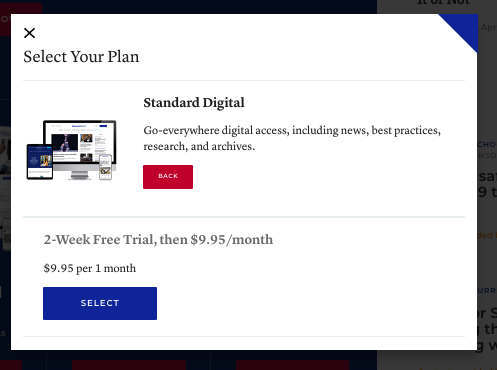
EdWeek's Plan selection modal
Frieze's Plan selection modal
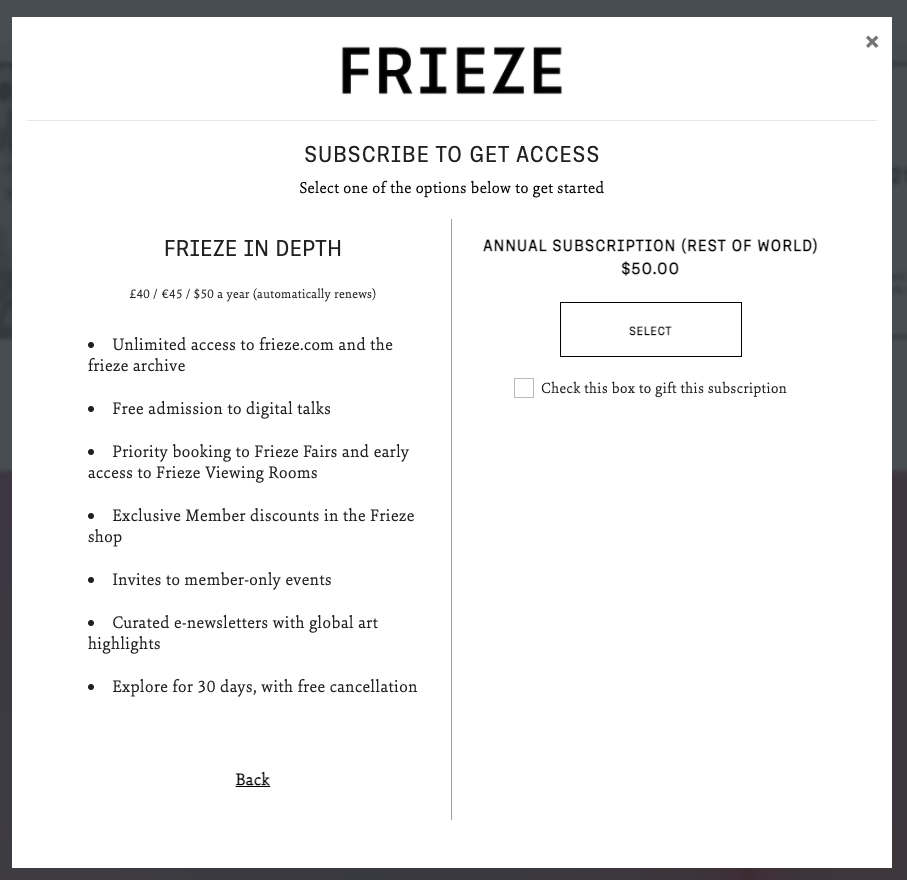
L'Actualite's Plan selection modal
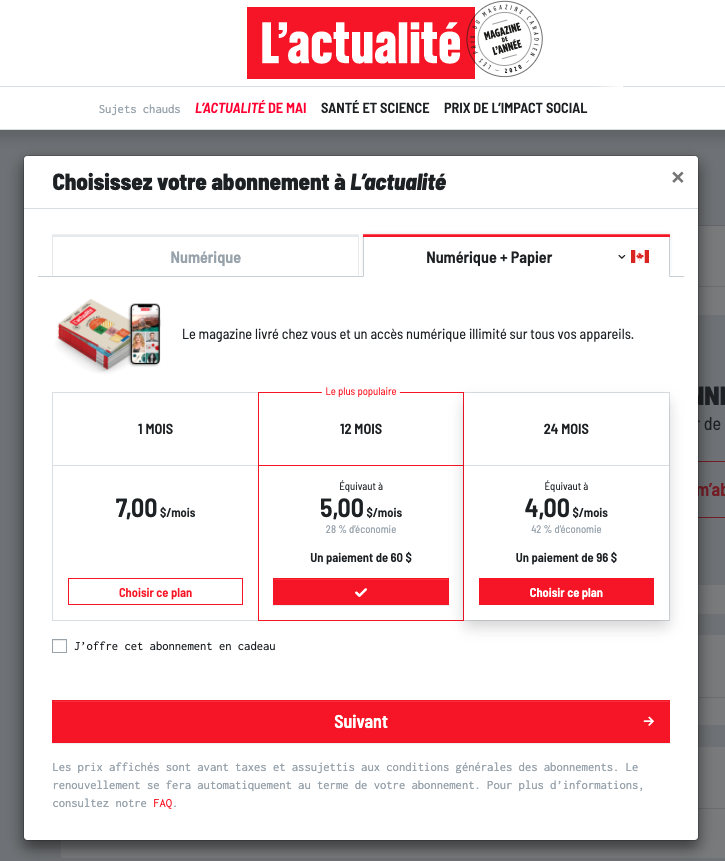
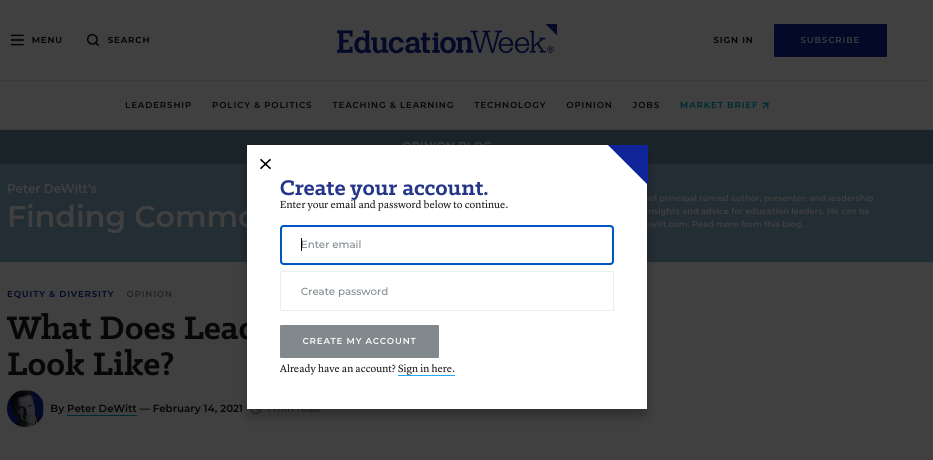
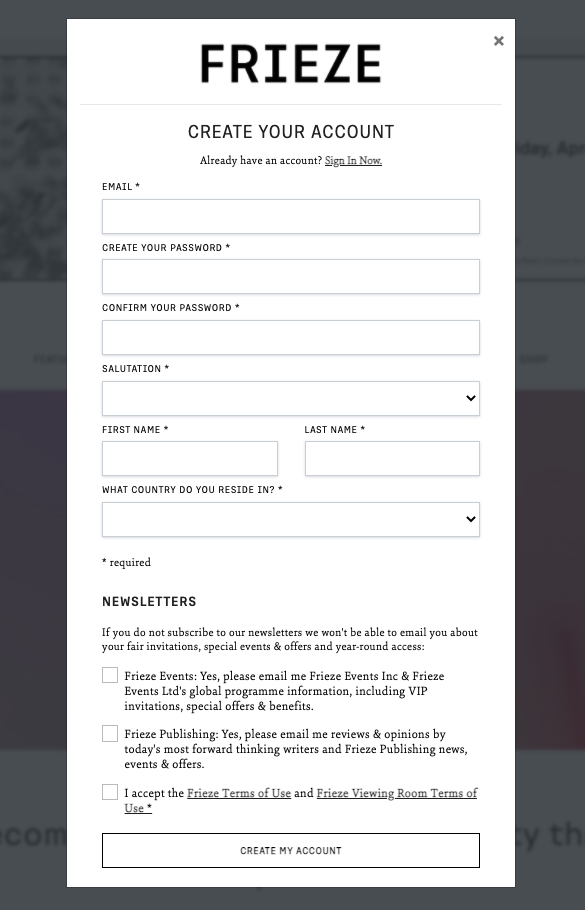
Registration
EdWeek's Account creation modal
Frieze's Account creation modal
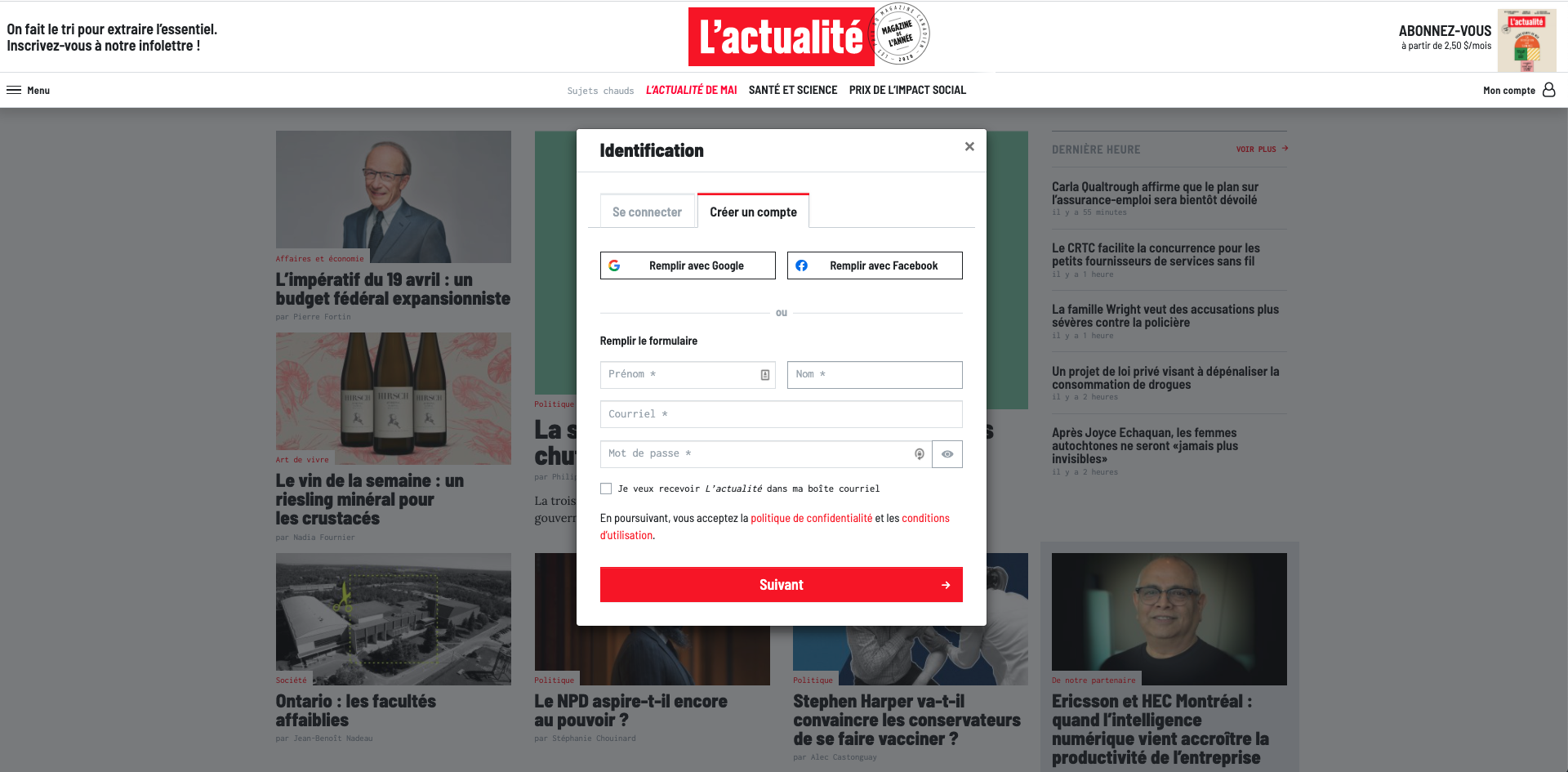
L'Actualite's Account creation page
Login
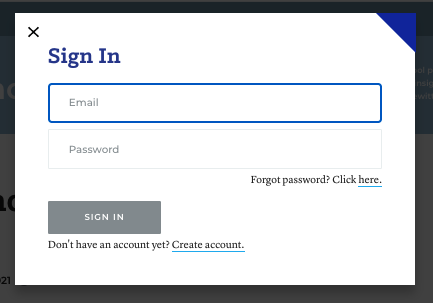
EdWeek's Login modal
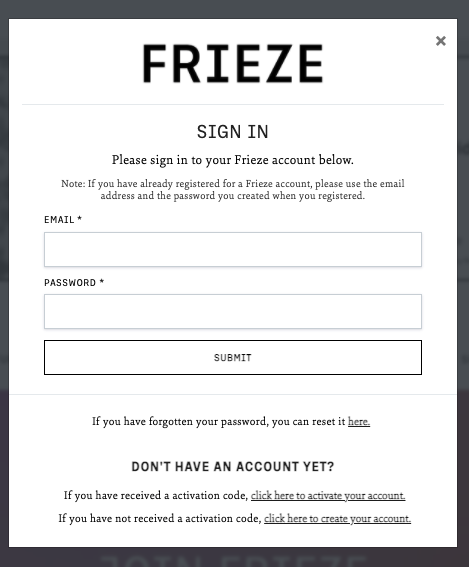
Frieze's Login modal
Address
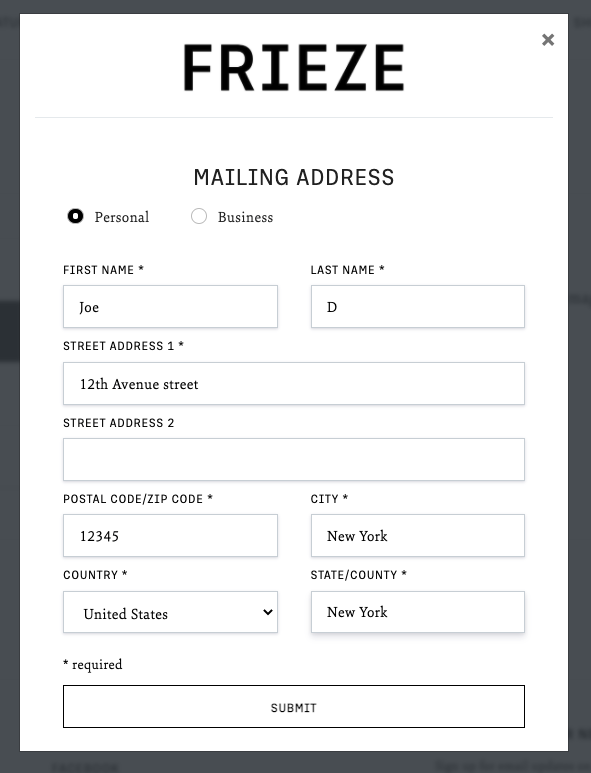
Frieze's Address modal
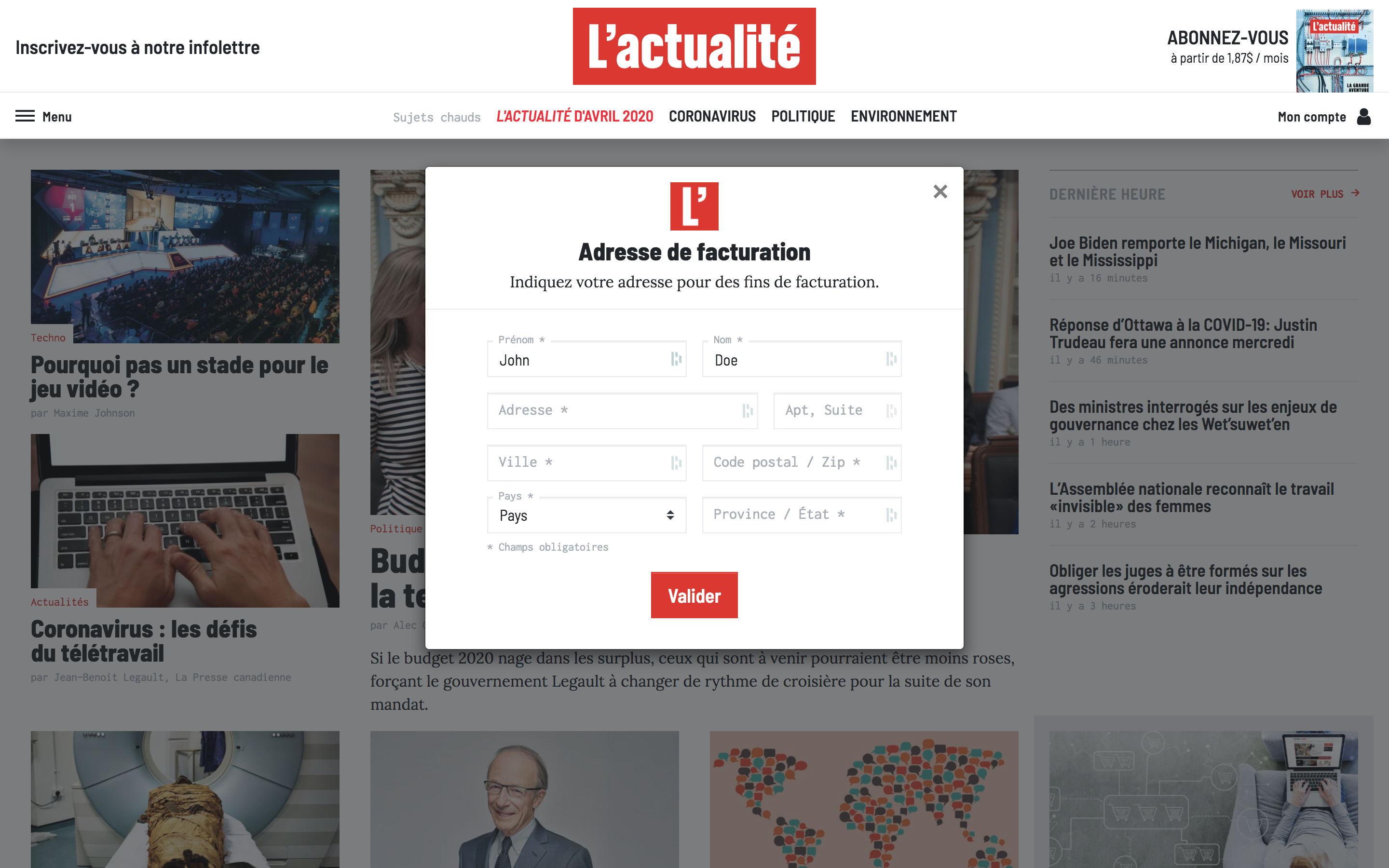
L'Actualite's Address modal
Payment
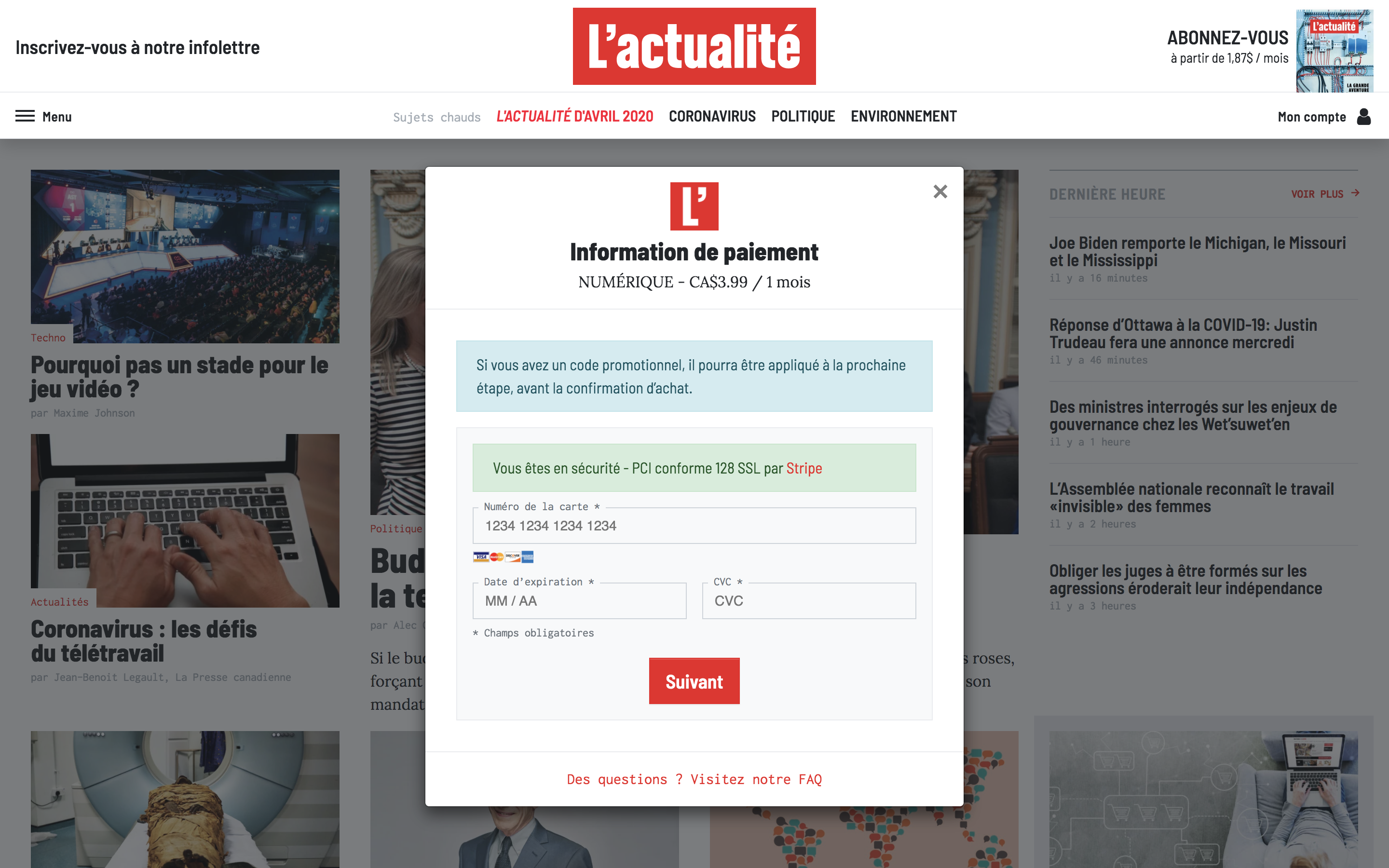
L'Actualite's Payment modal
Dashboards
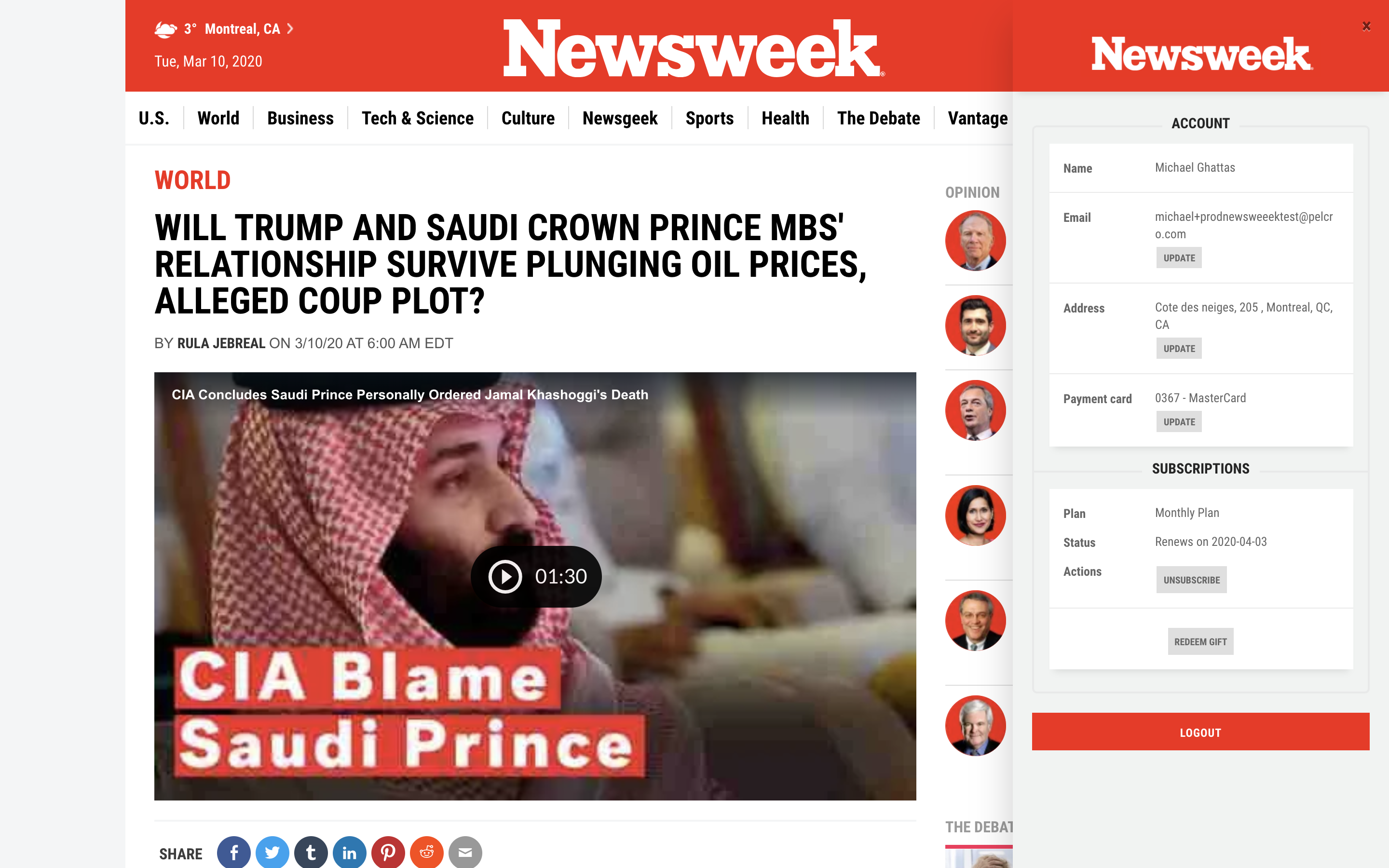
Customer's Dashboard
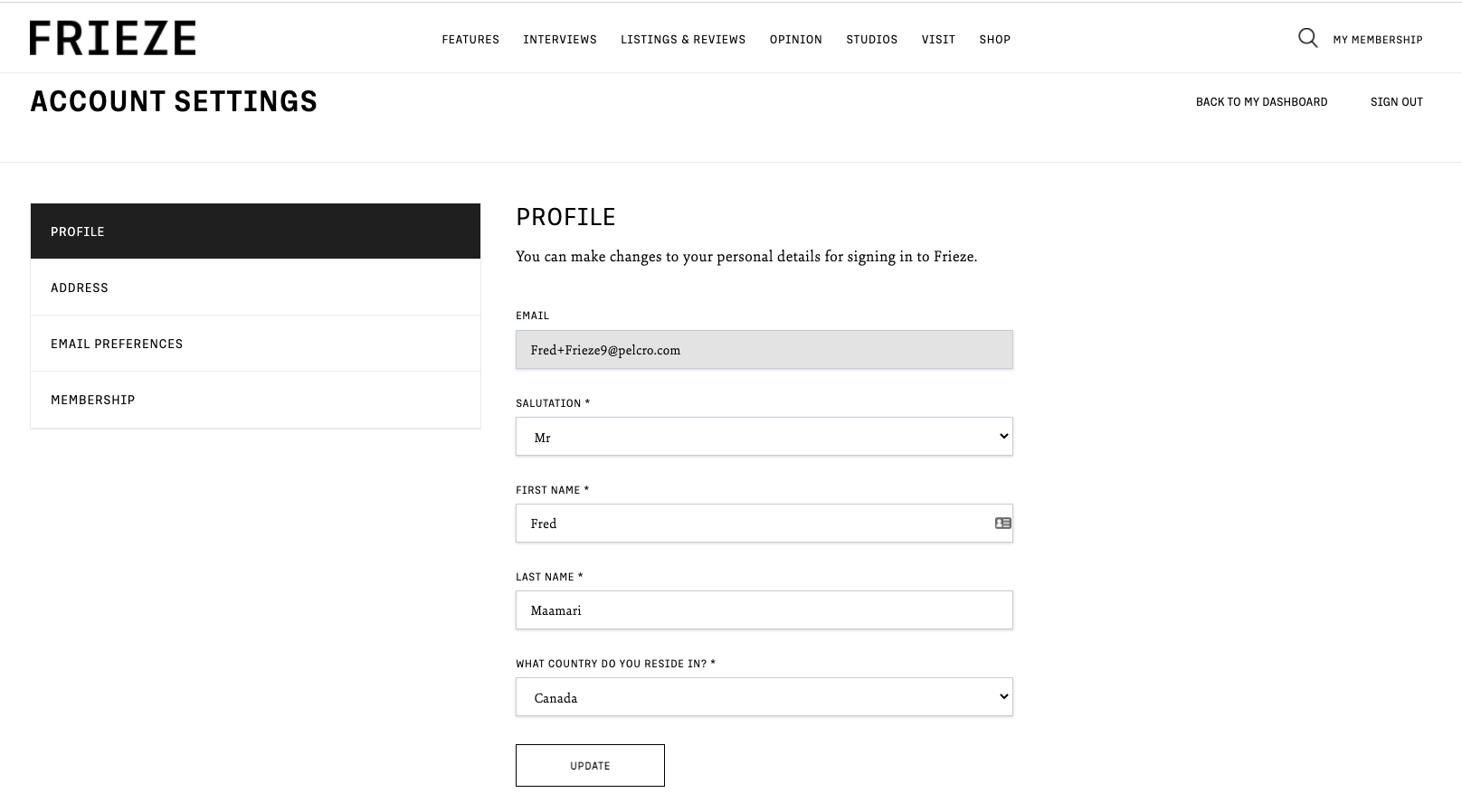
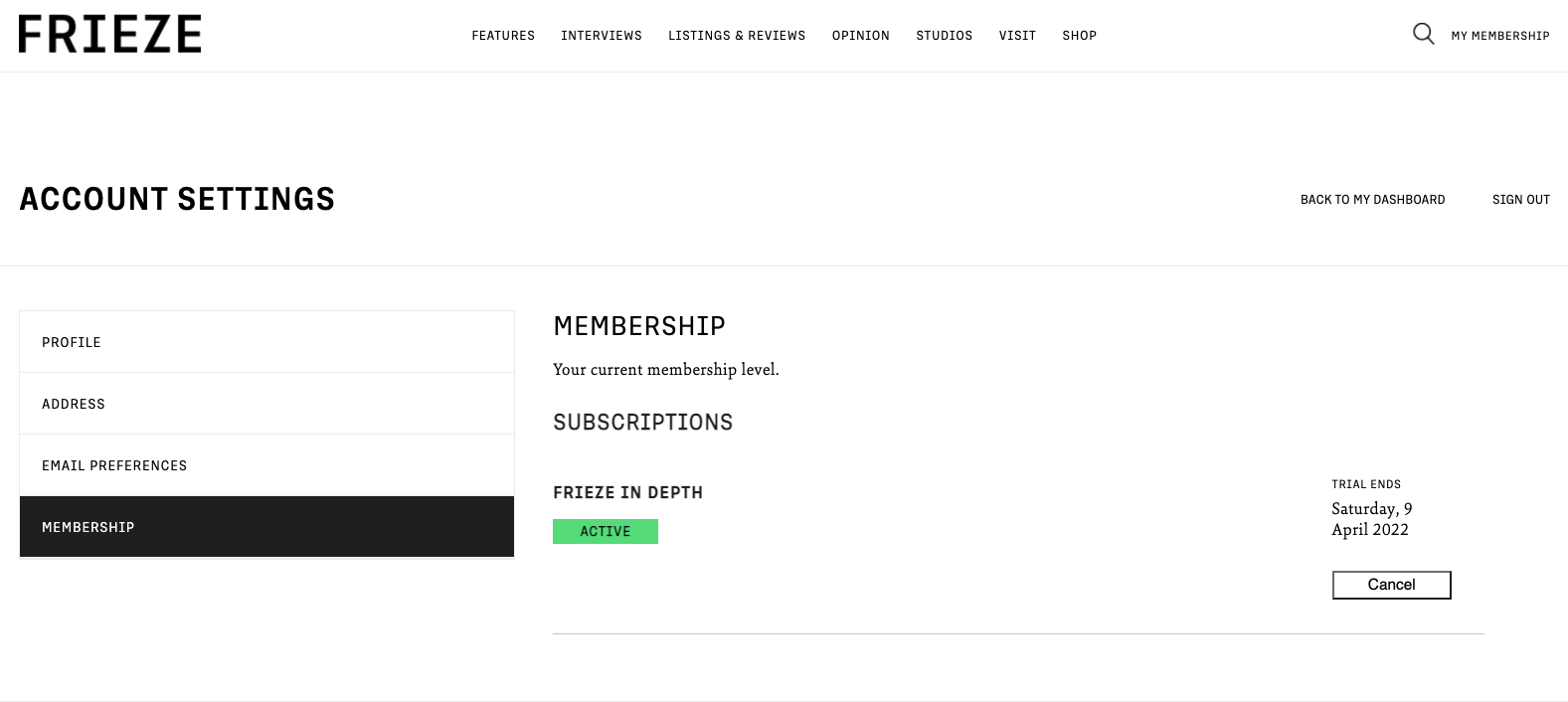
Frieze's Customer Dashboard
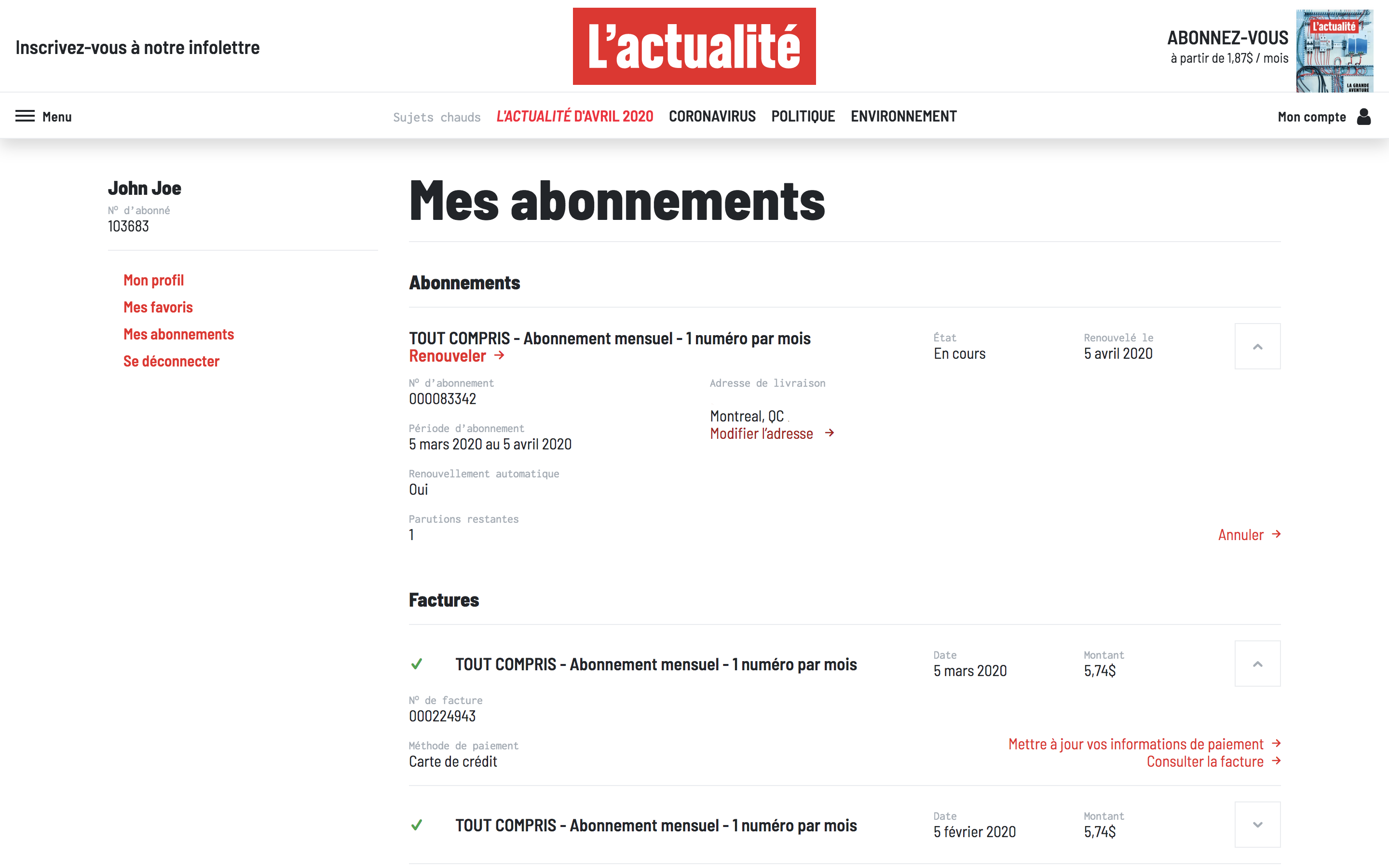
L'Actualite's Customer Dashboard
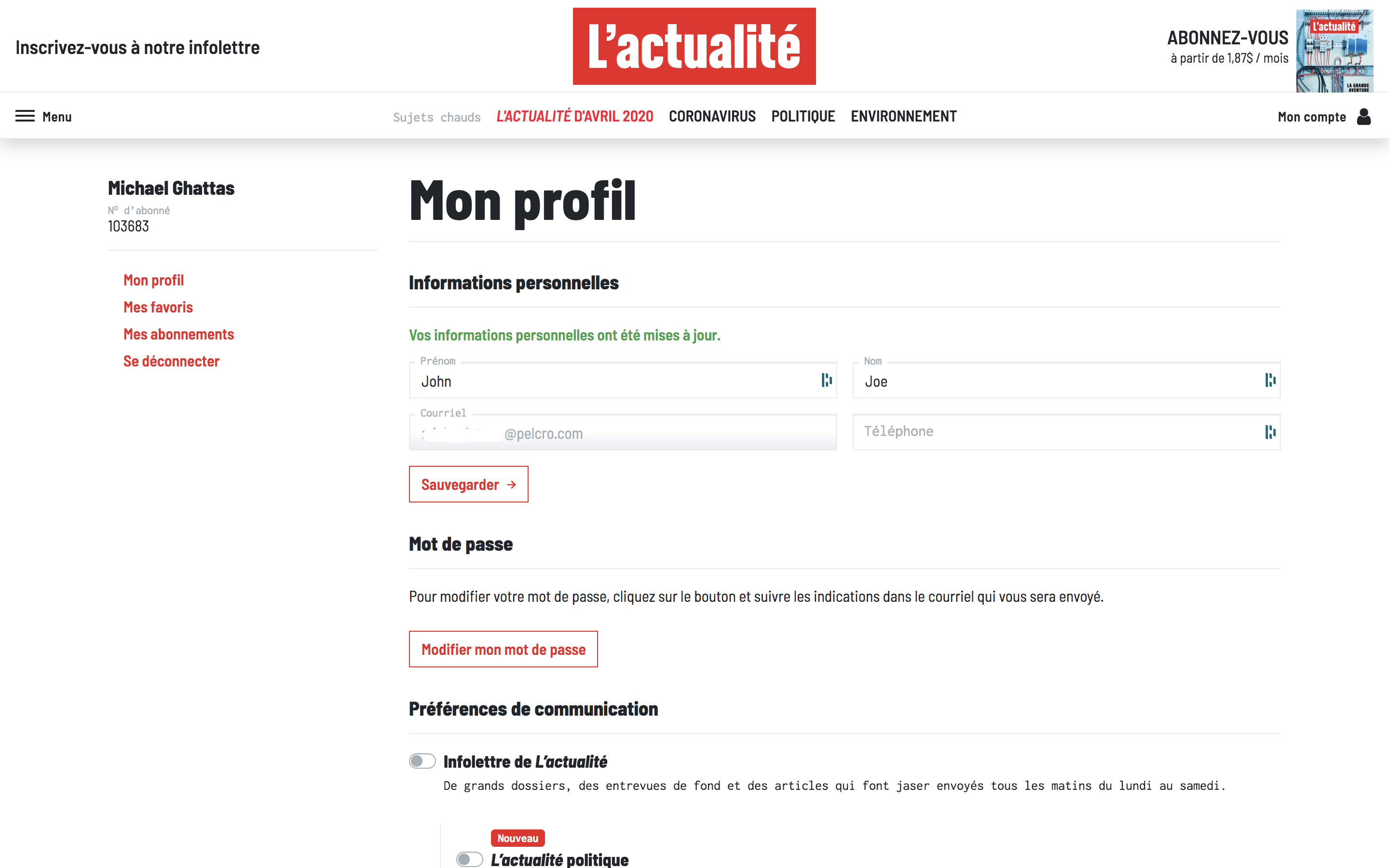
Customer's Subscription page
Frieze's Membership page
L'Actualite's Membership page
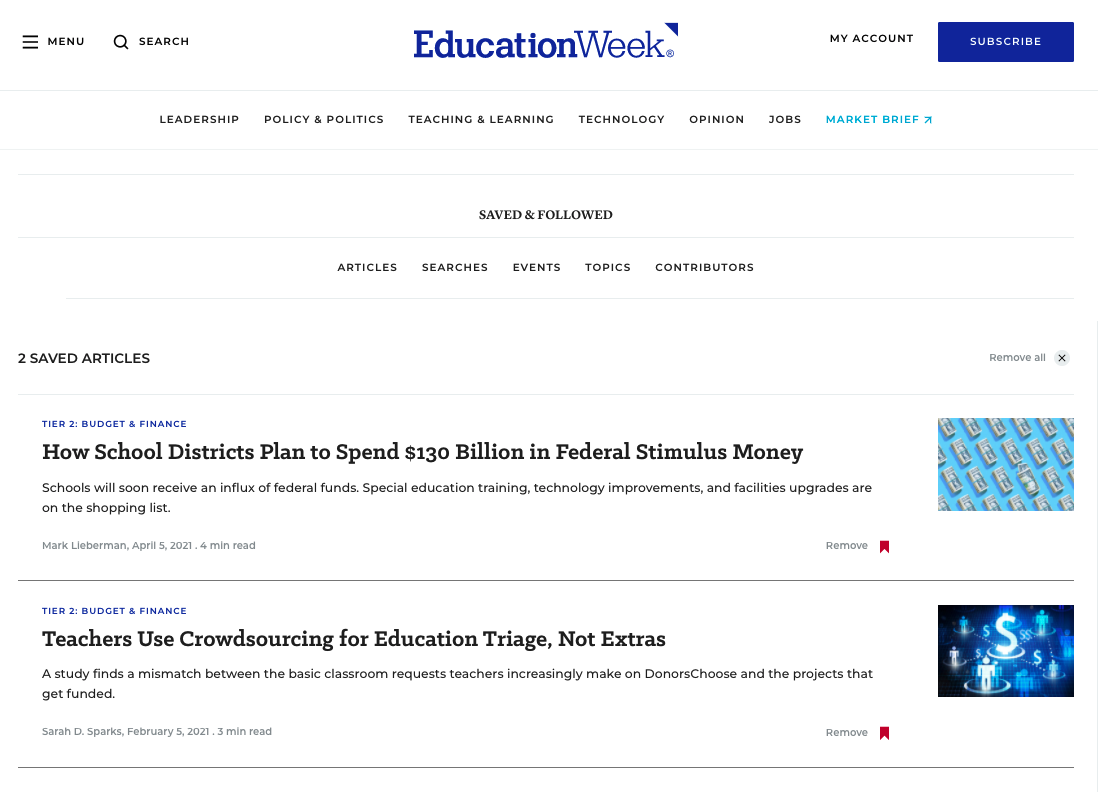
Saved & Follow
EdWeek's Saved&Followed Dashboard
Search Articles
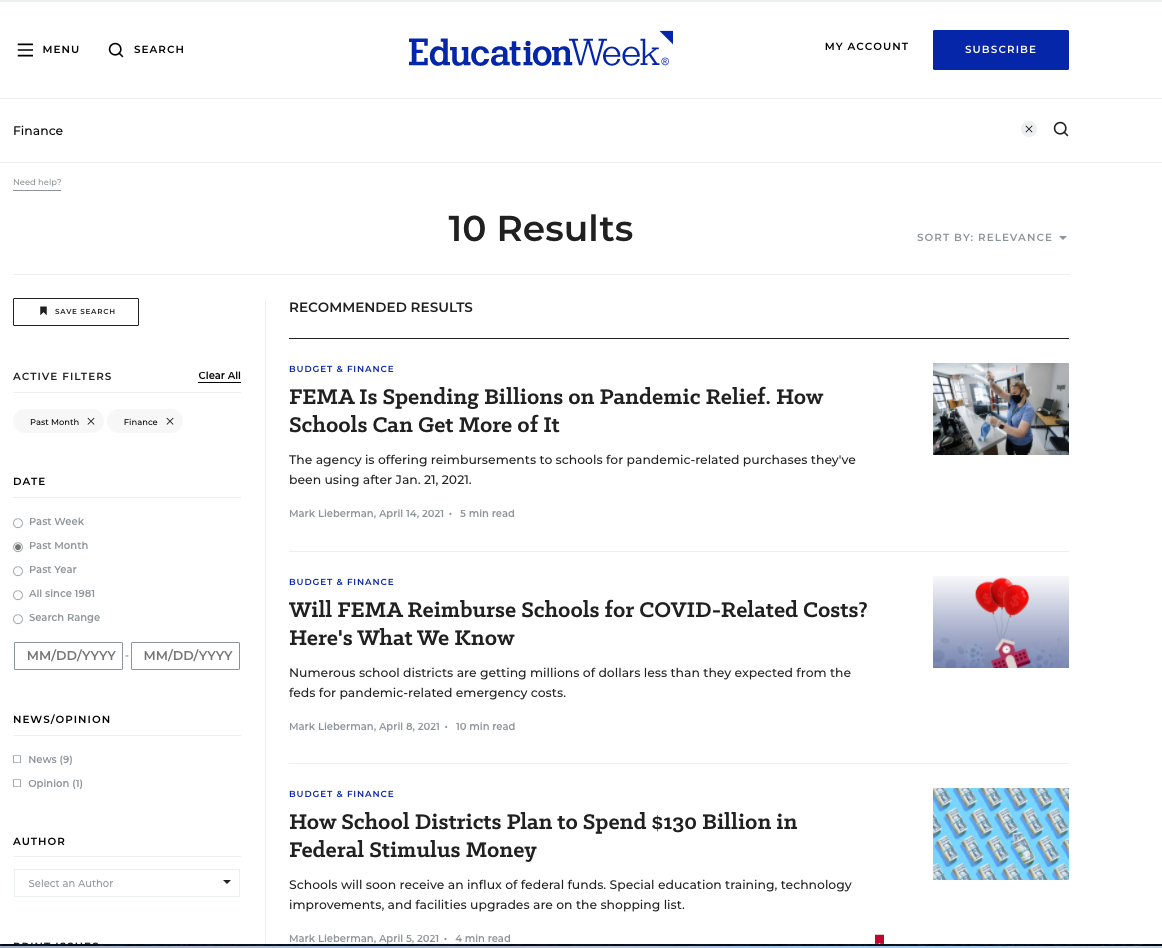
EdWeek's Search Articles page
InsideHigherEd's Event's page

Newsletter Configuration
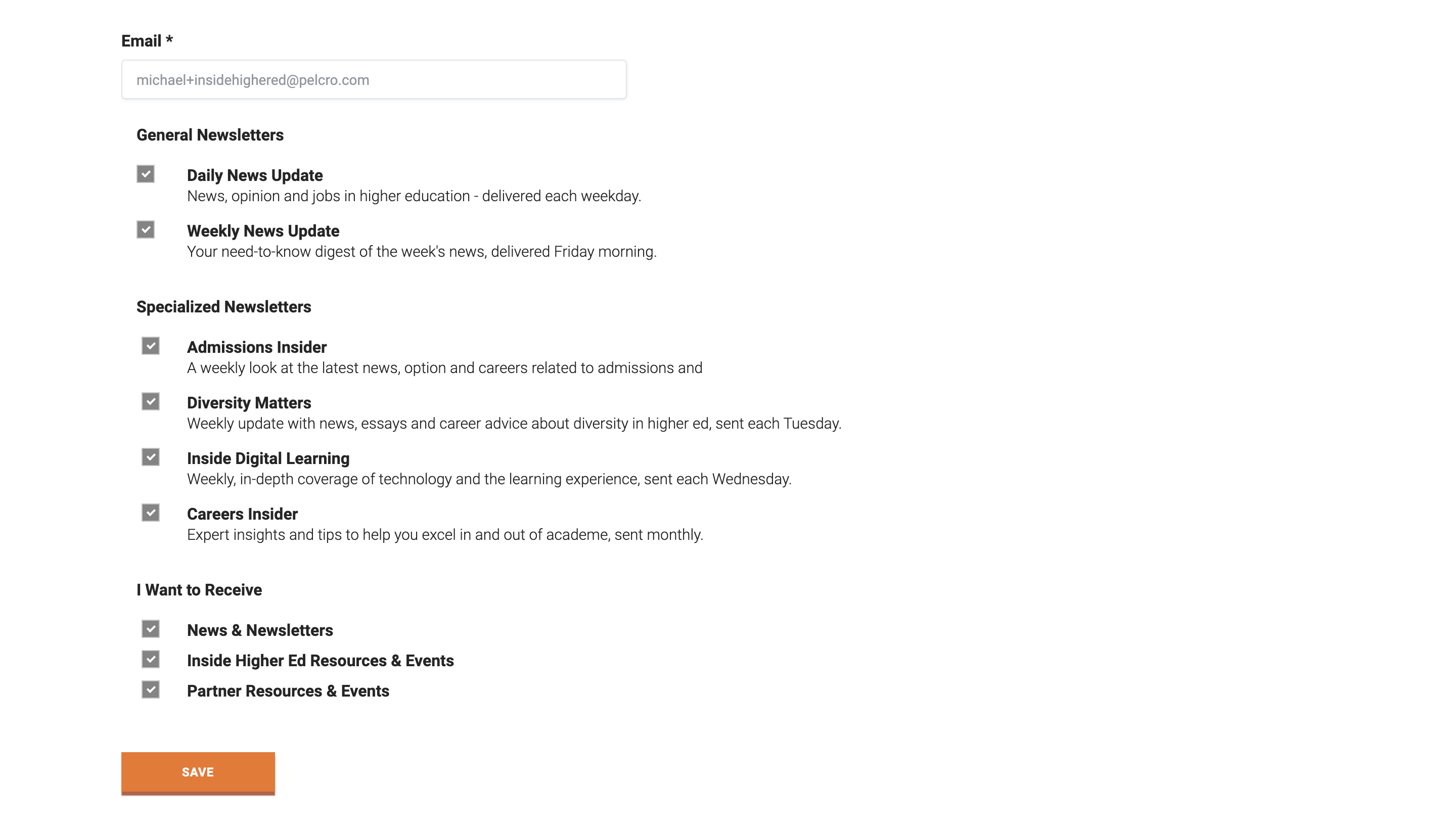
InsideHigherEd's Newsletters page
Update payment
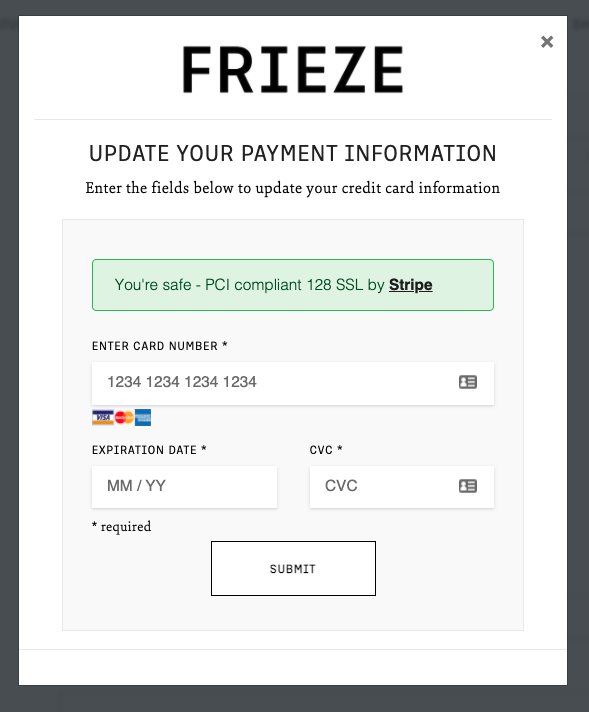
Frieze's Update payment
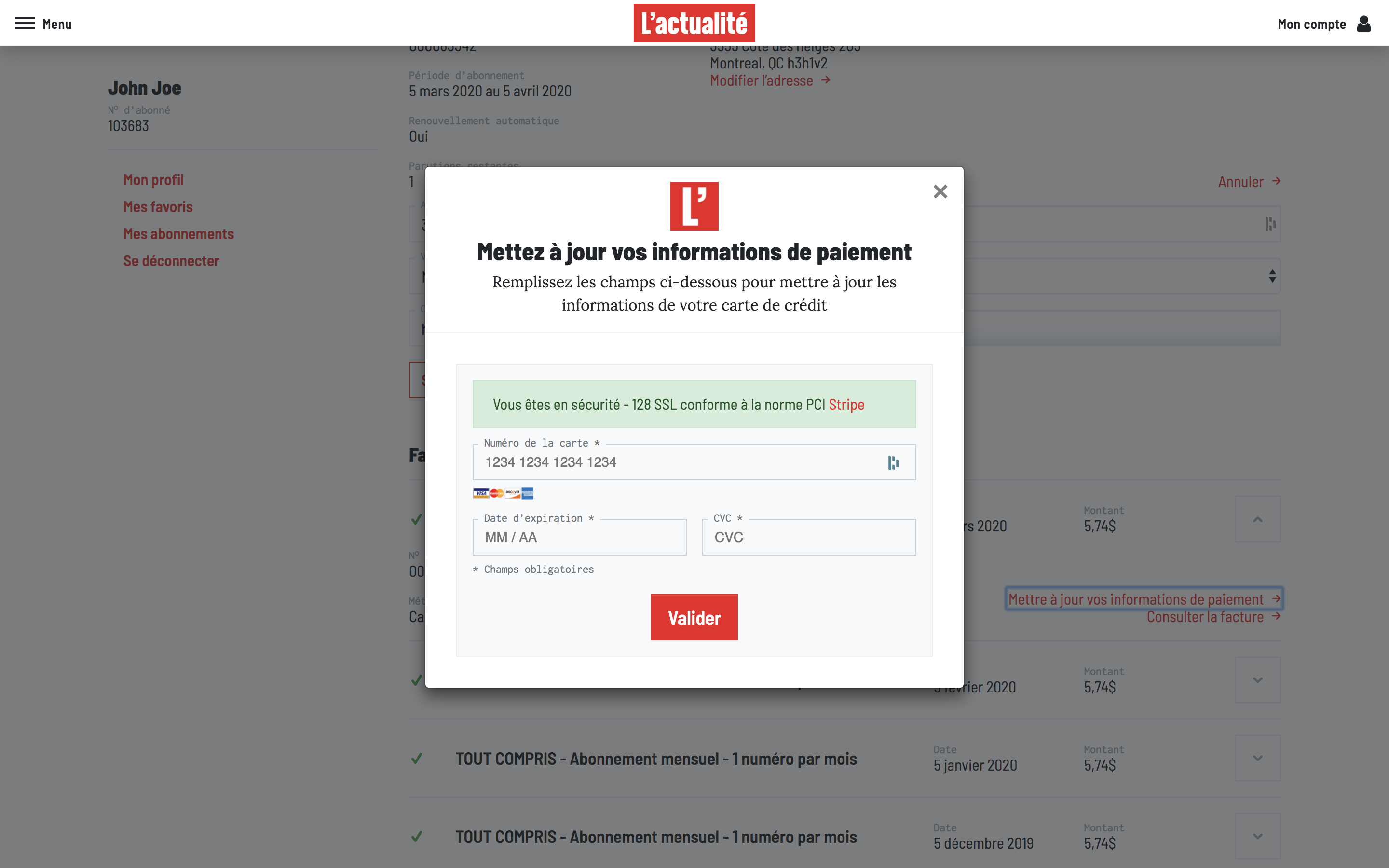
L'Actualite's Update payment
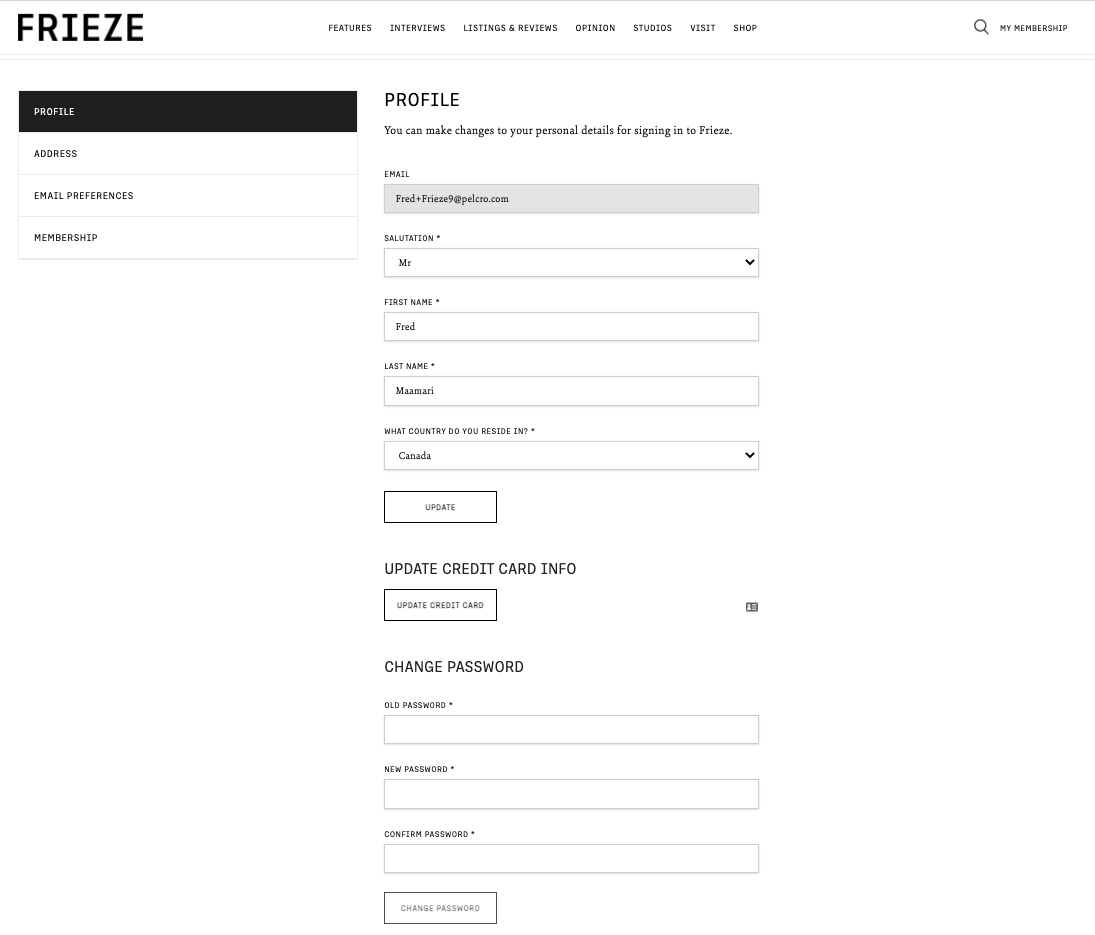
Frieze's Update password section
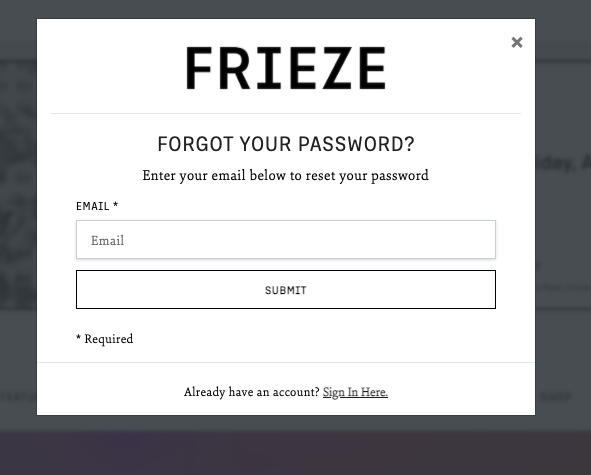
Frieze's Update password section
Related pages
Updated 6 months ago