

UI Showcase
Browse screenshots of Pelcro's default UI flow and custom UI implementations from client projects.
Use this page to review Pelcro's default UI flow and compare it with custom UI implementations from client projects.
- Browse the default flow from product selection through the customer dashboard.
- Review custom implementations for paywalls, checkout steps, account pages, dashboards, and payment updates.
Default UI
Product Selection

Plan Selection

Registration and Login


Address Selection

Checkout and Payment


Customer Dashboard


Custom UI Examples
Paywall
Wide meter paywall
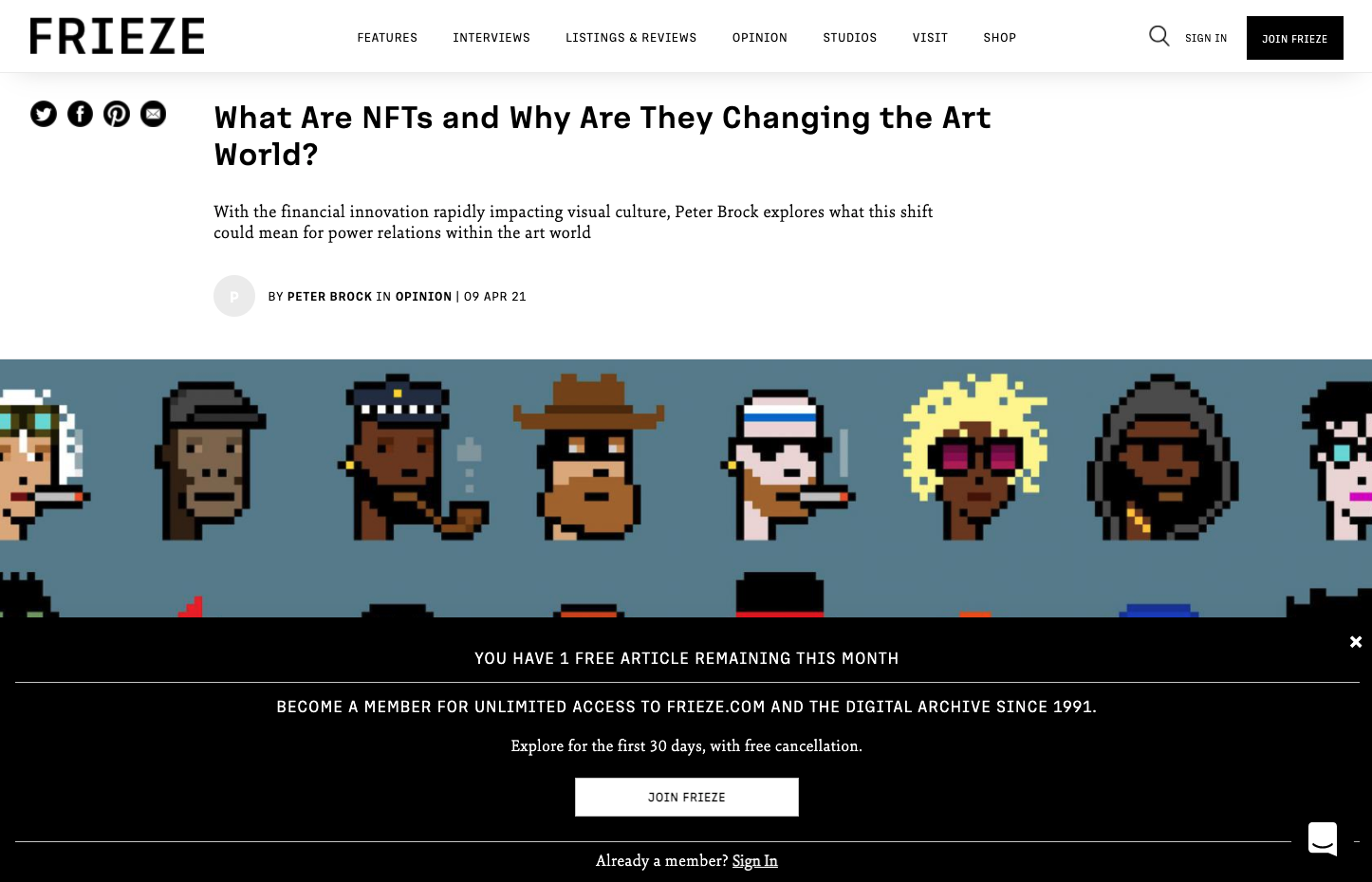
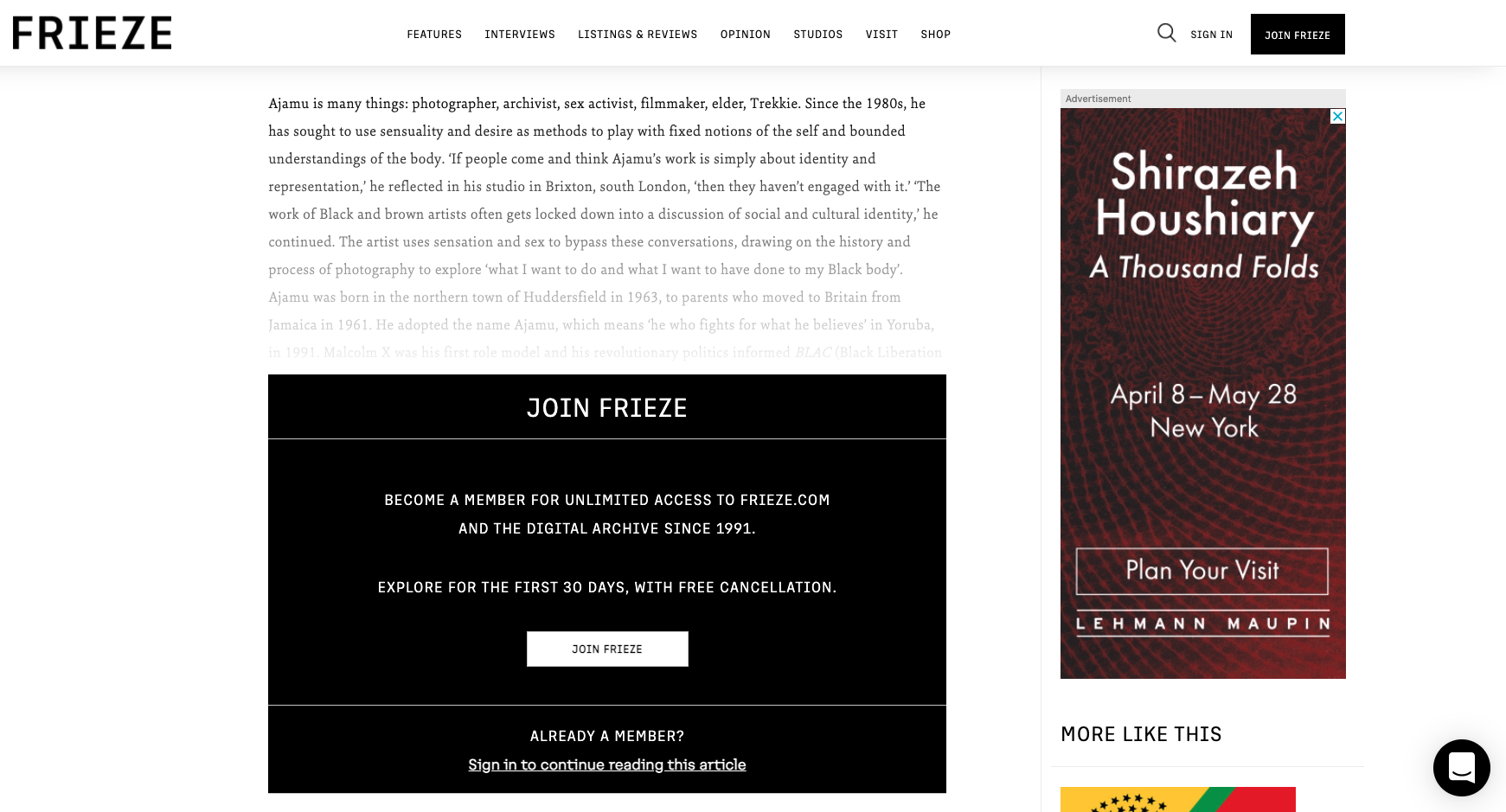
Frieze's metered Paywall
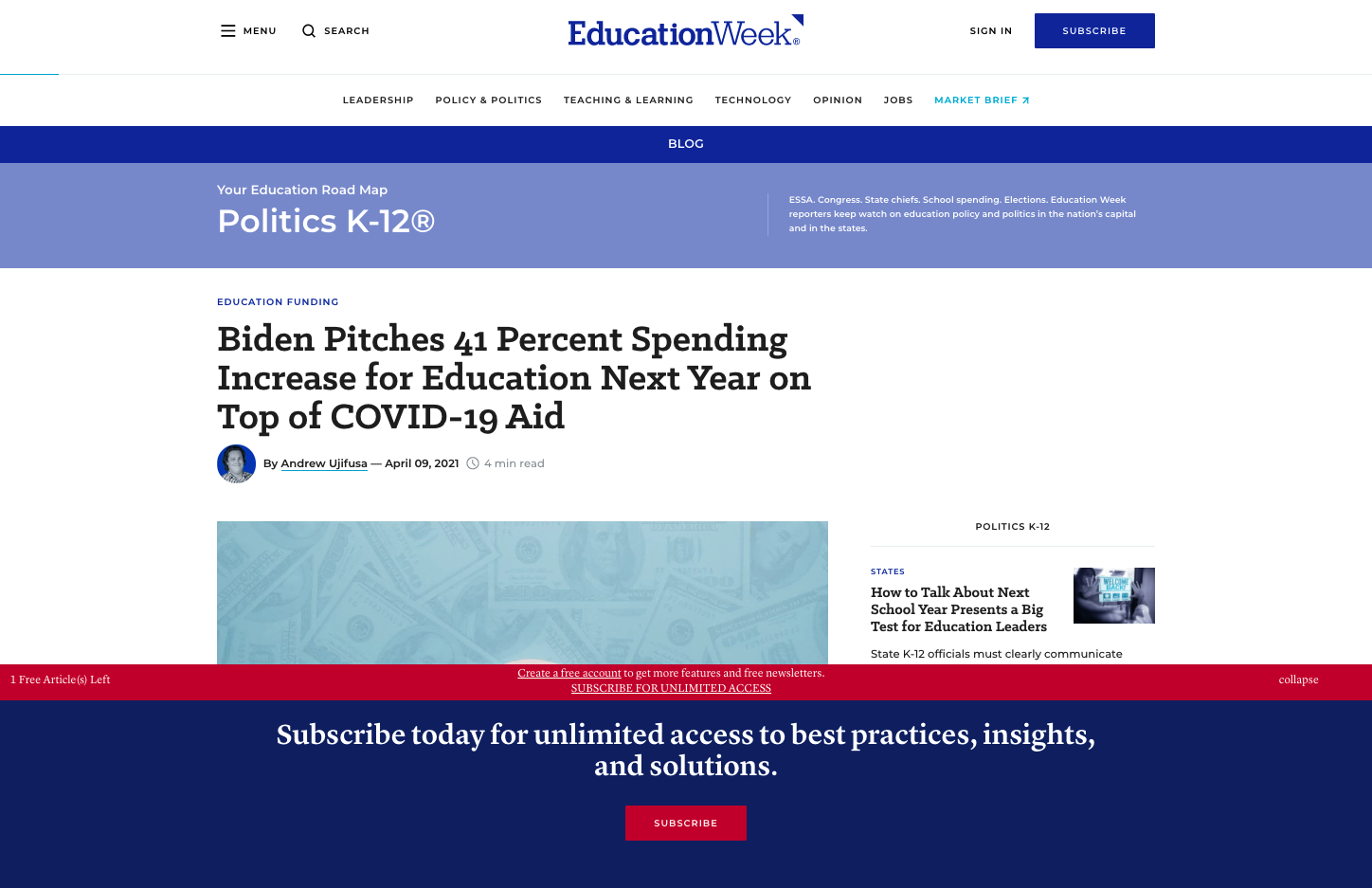
EdWeek's metered paywall
Regular Metered Paywall
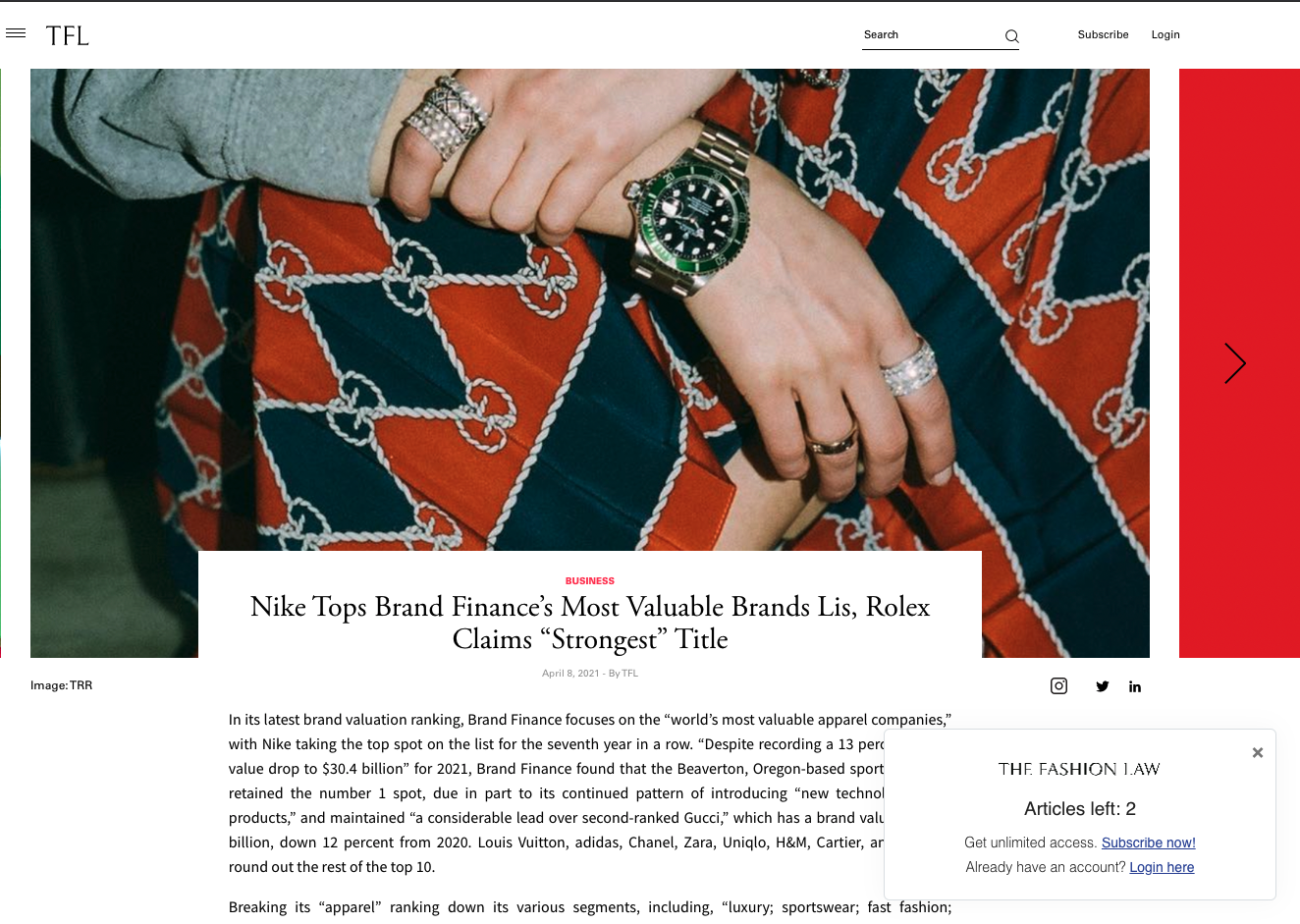
TheFashionLaw's metered paywall, using the Out-of-the-Box UI
Embedded paywalls
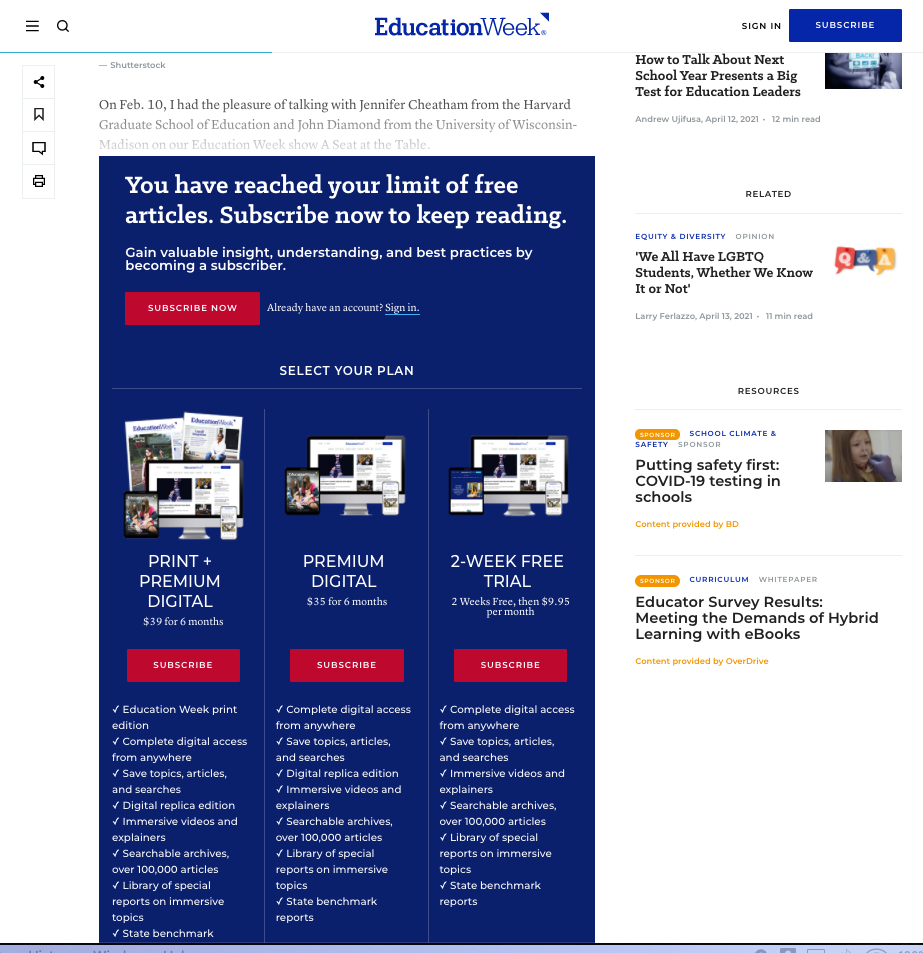
EdWeek's Embedded Paywall
Frieze's Embedded Paywall
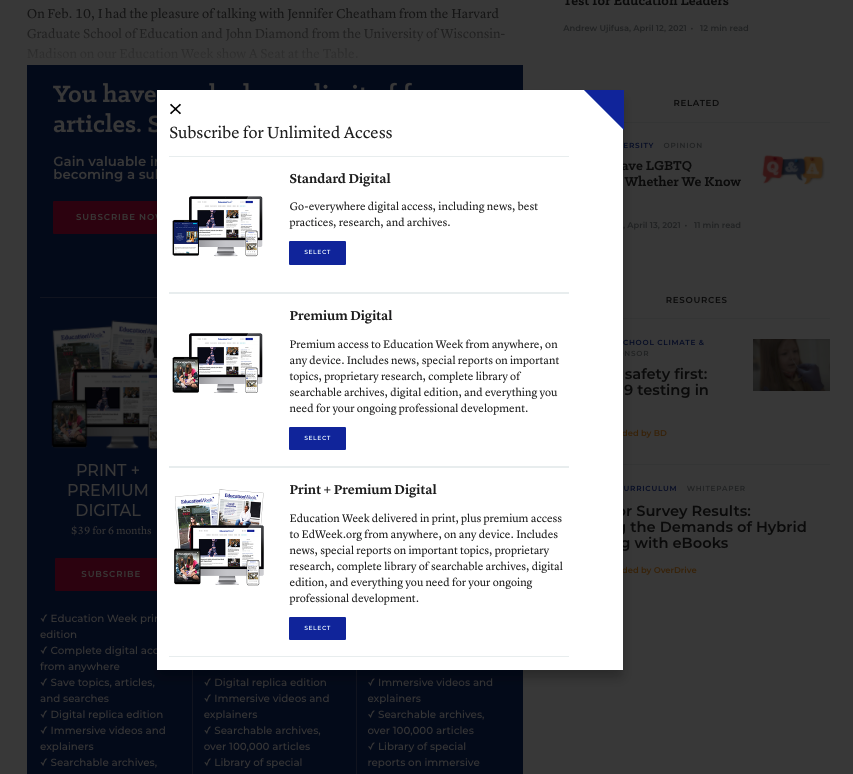
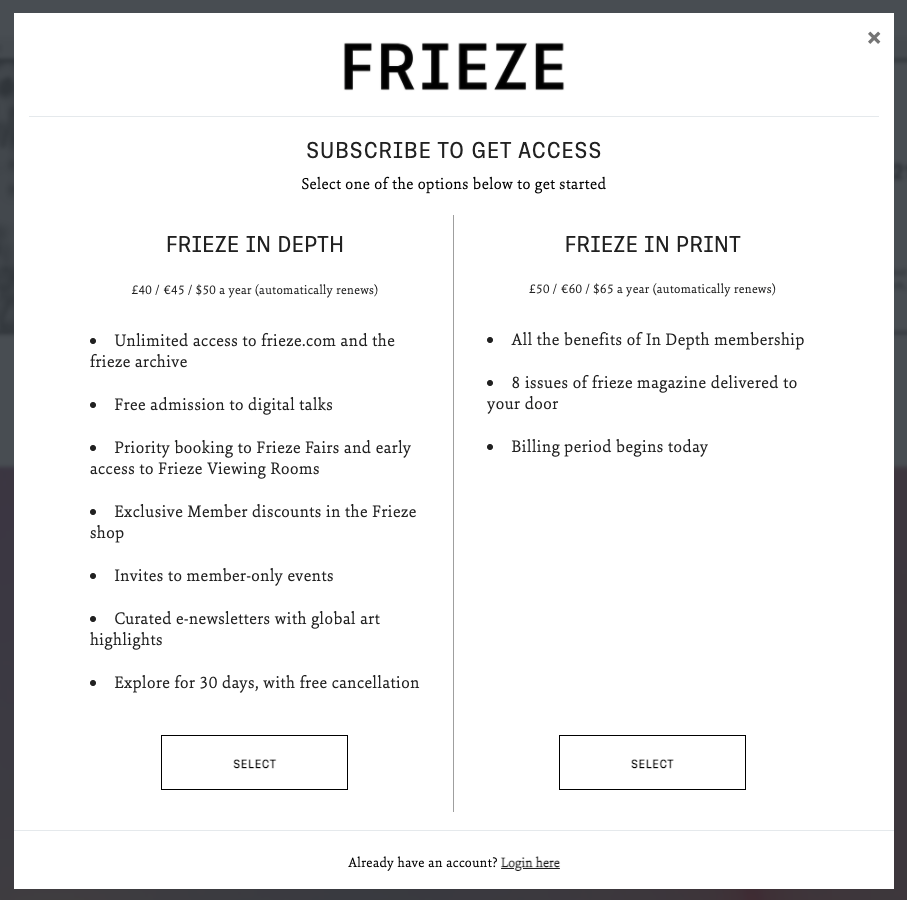
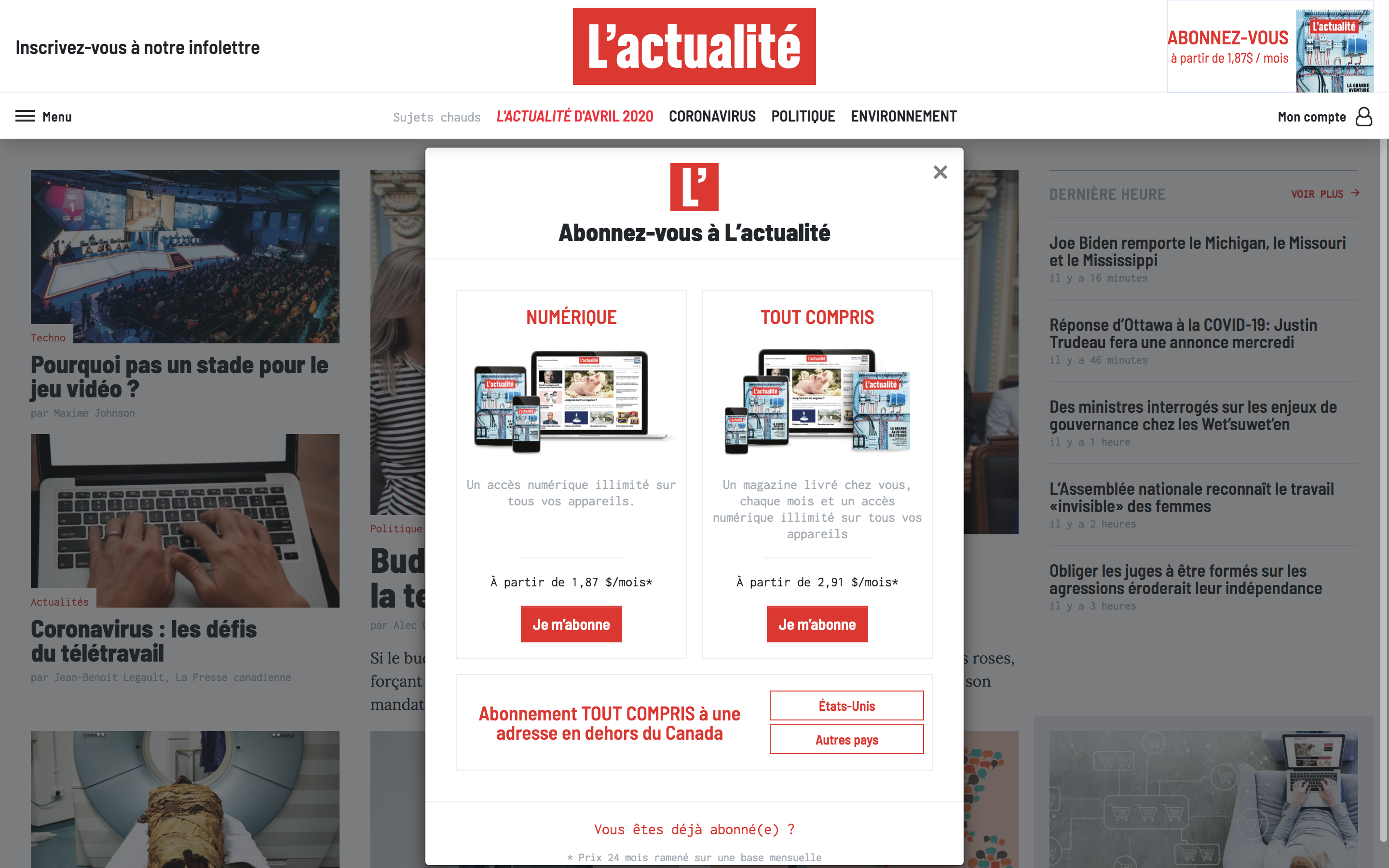
Product selection
EdWeek's Product selection modal
Frieze's Product selection modal
L'Actualite's Product selection modal
Plan selection
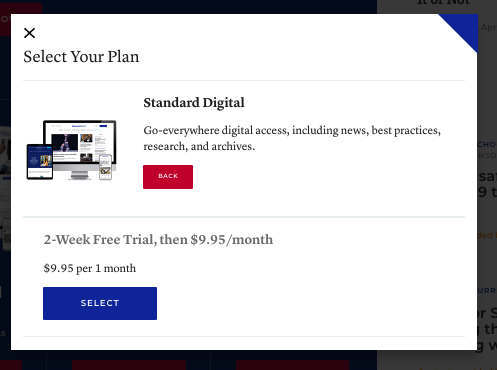
EdWeek's Plan selection modal
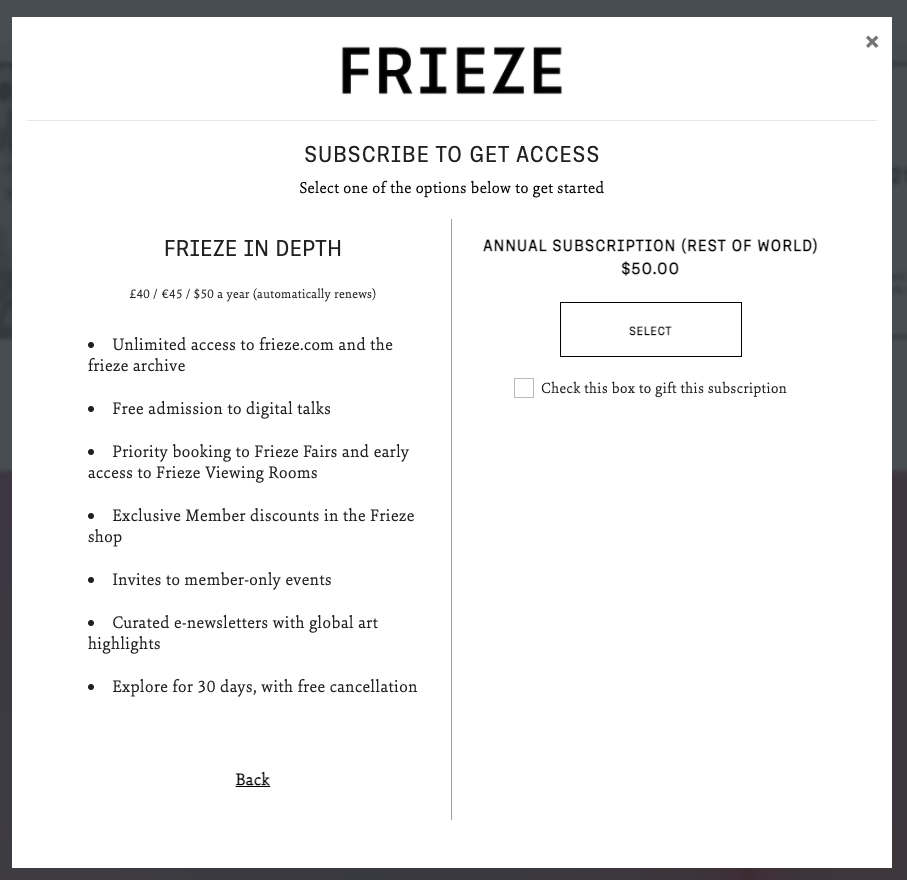
Frieze's Plan selection modal
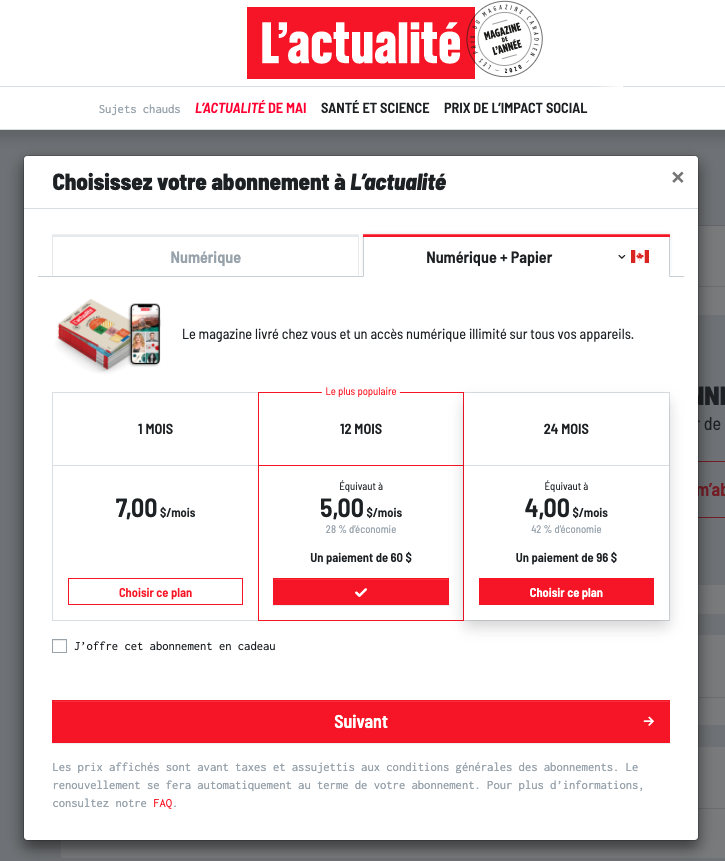
L'Actualite's Plan selection modal
Registration
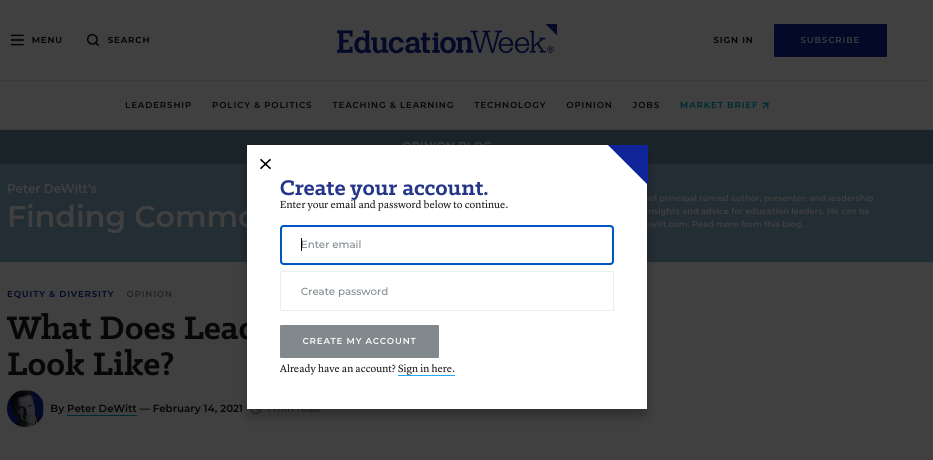
EdWeek's Account creation modal
Frieze's Account creation modal
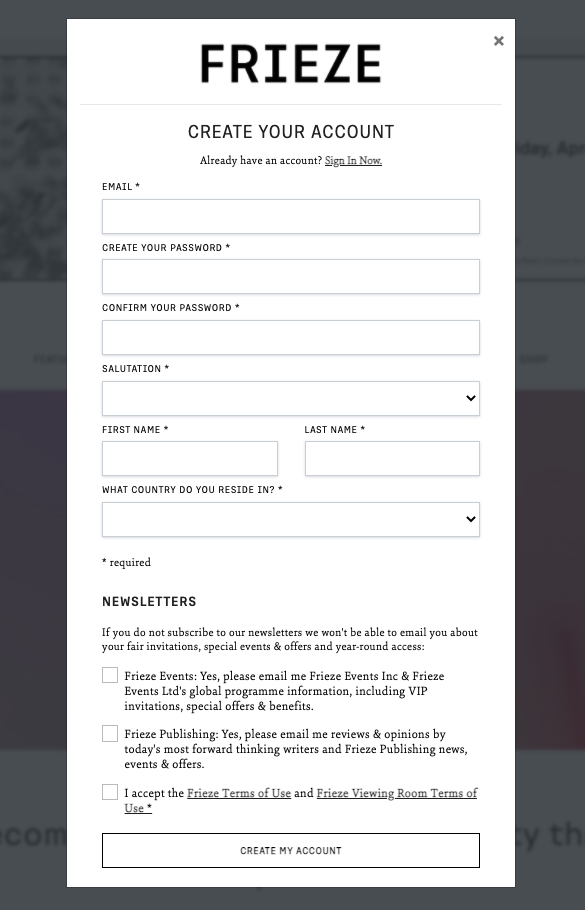
L'Actualite's Account creation page
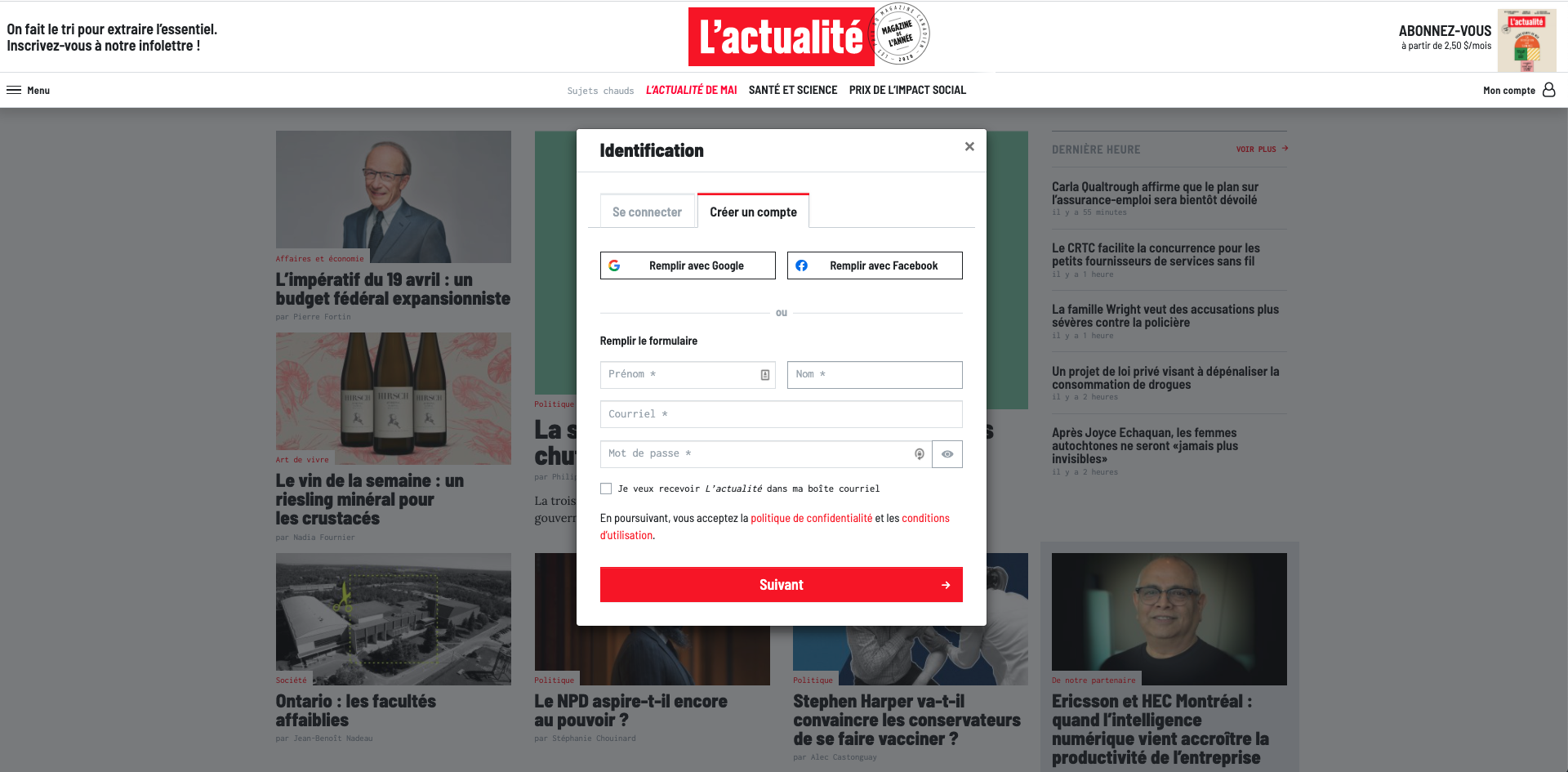
Login
EdWeek's Login modal
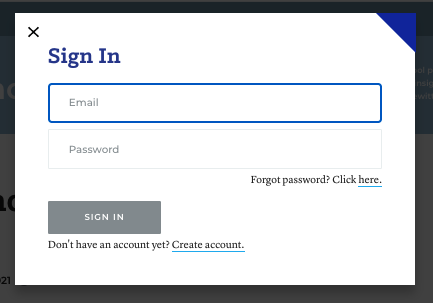
Frieze's Login modal
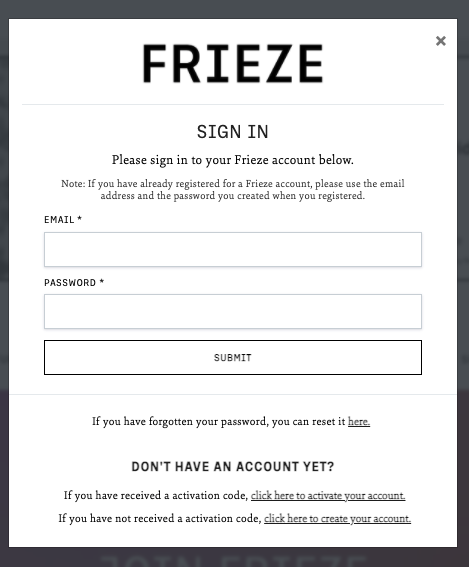
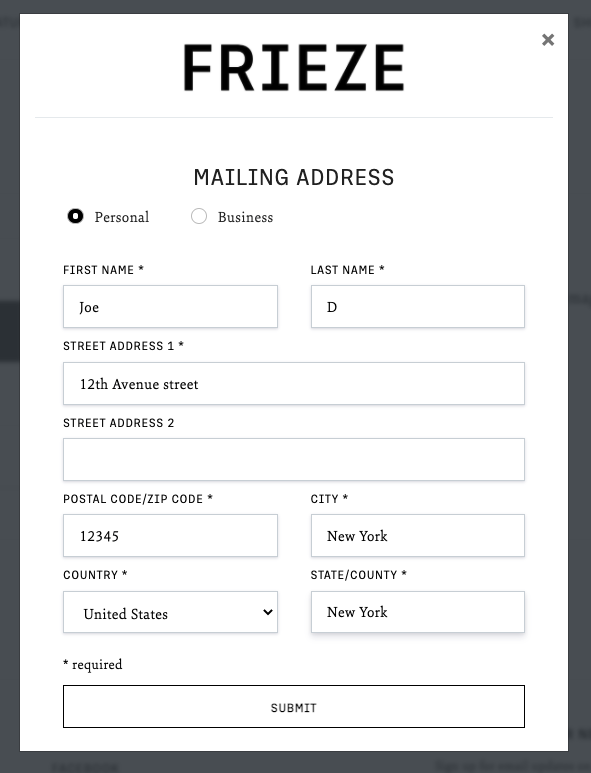
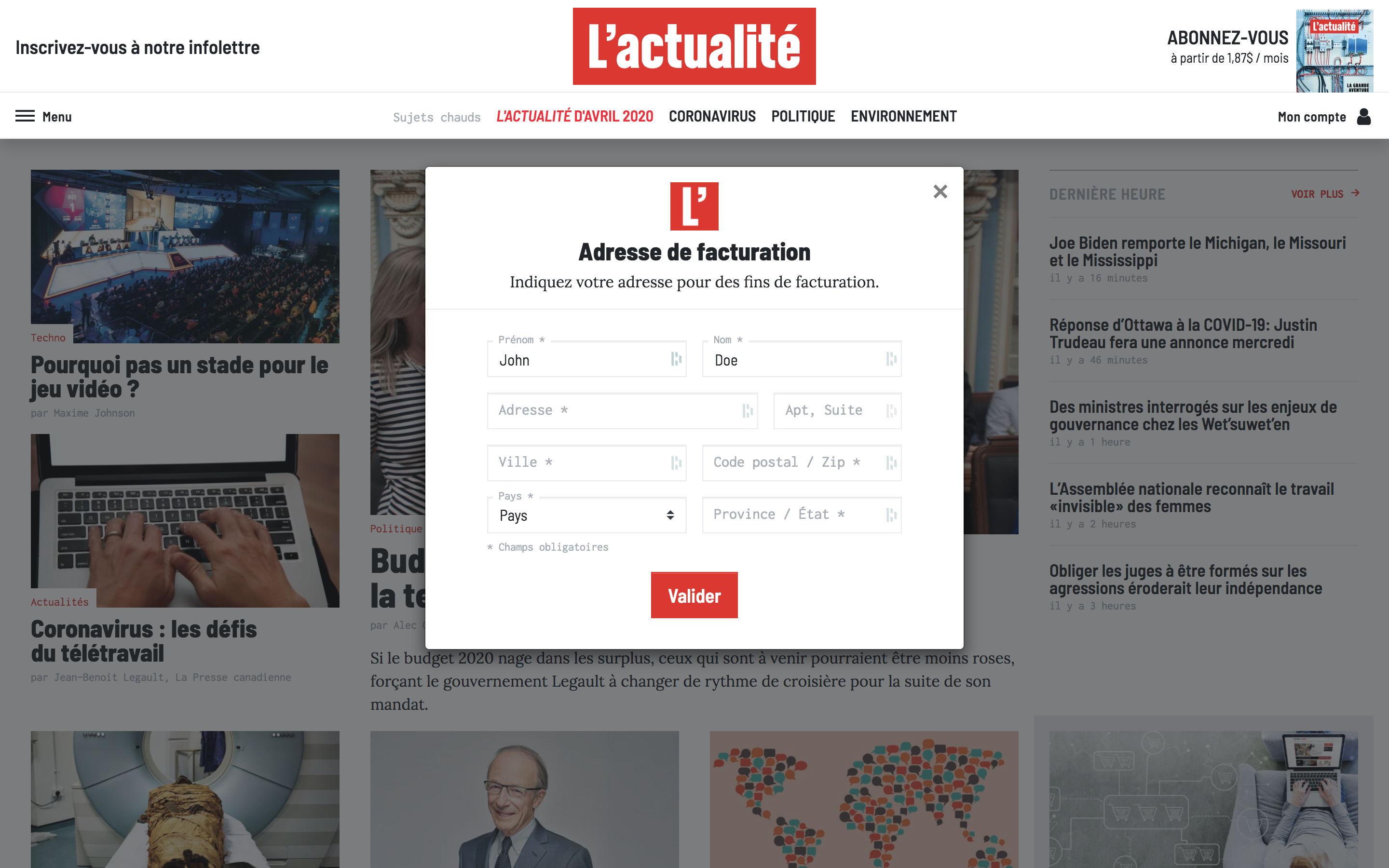
Address
Frieze's Address modal
L'Actualite's Address modal
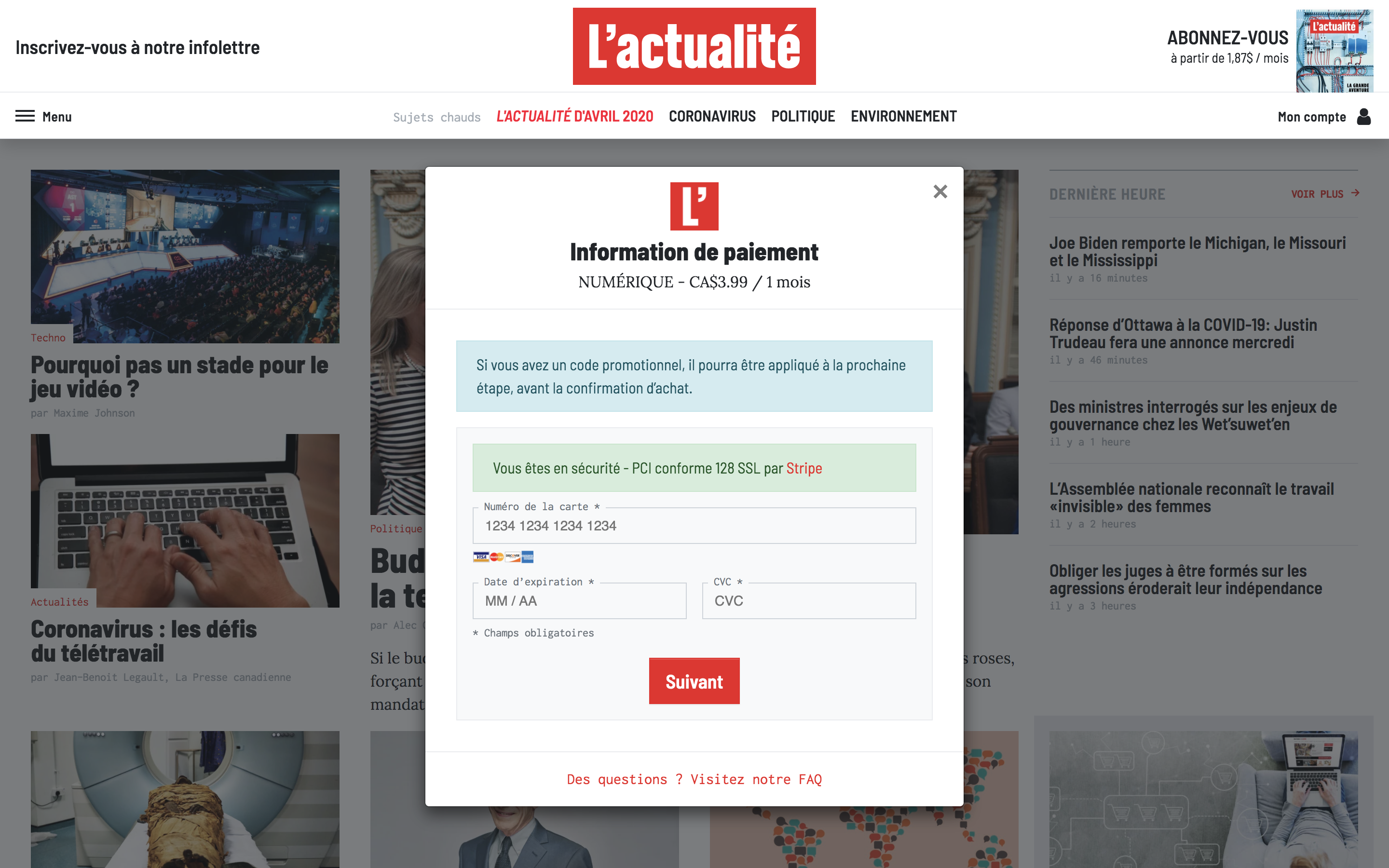
Payment
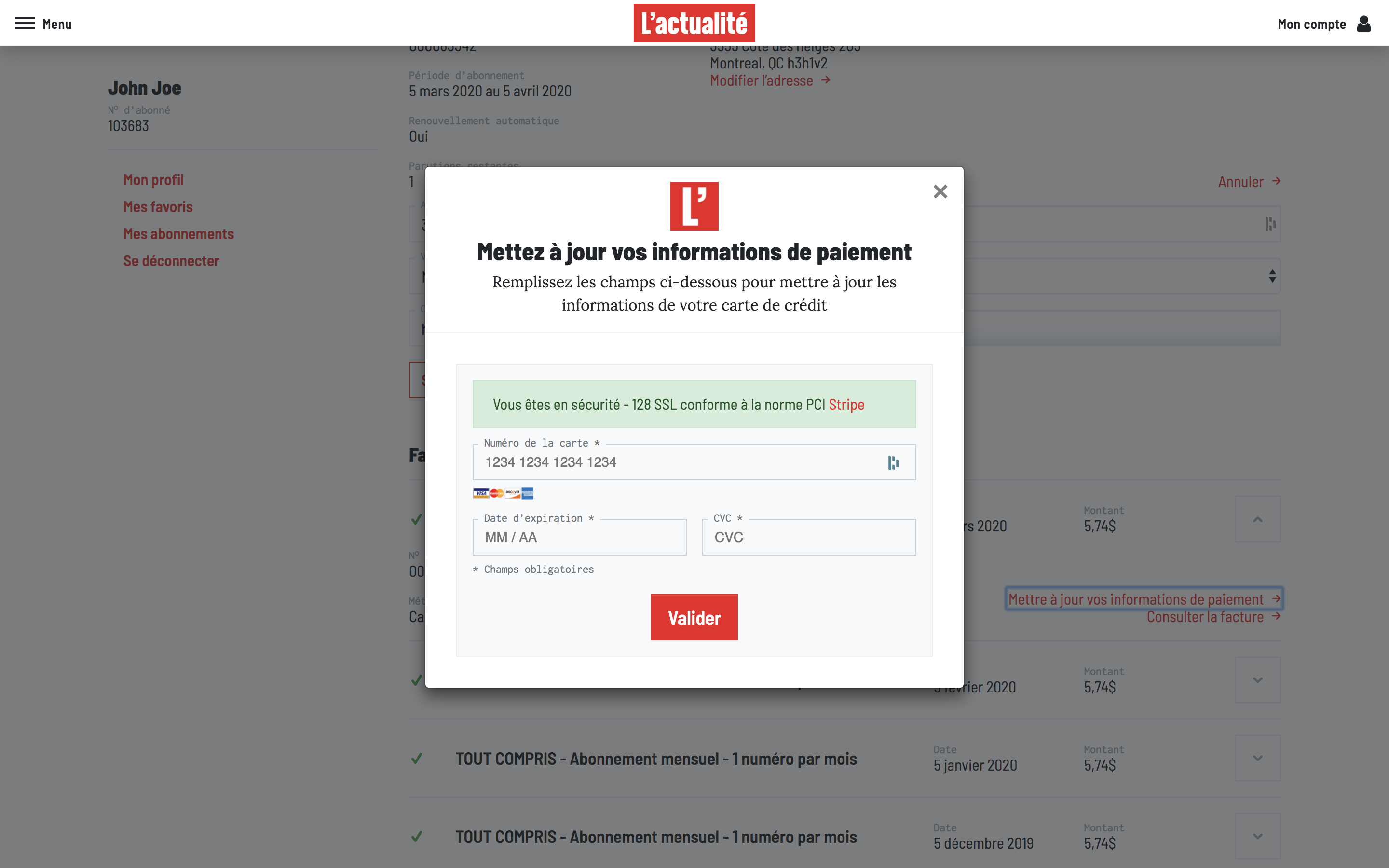
L'Actualite's Payment modal
Dashboards
Customer's Dashboard
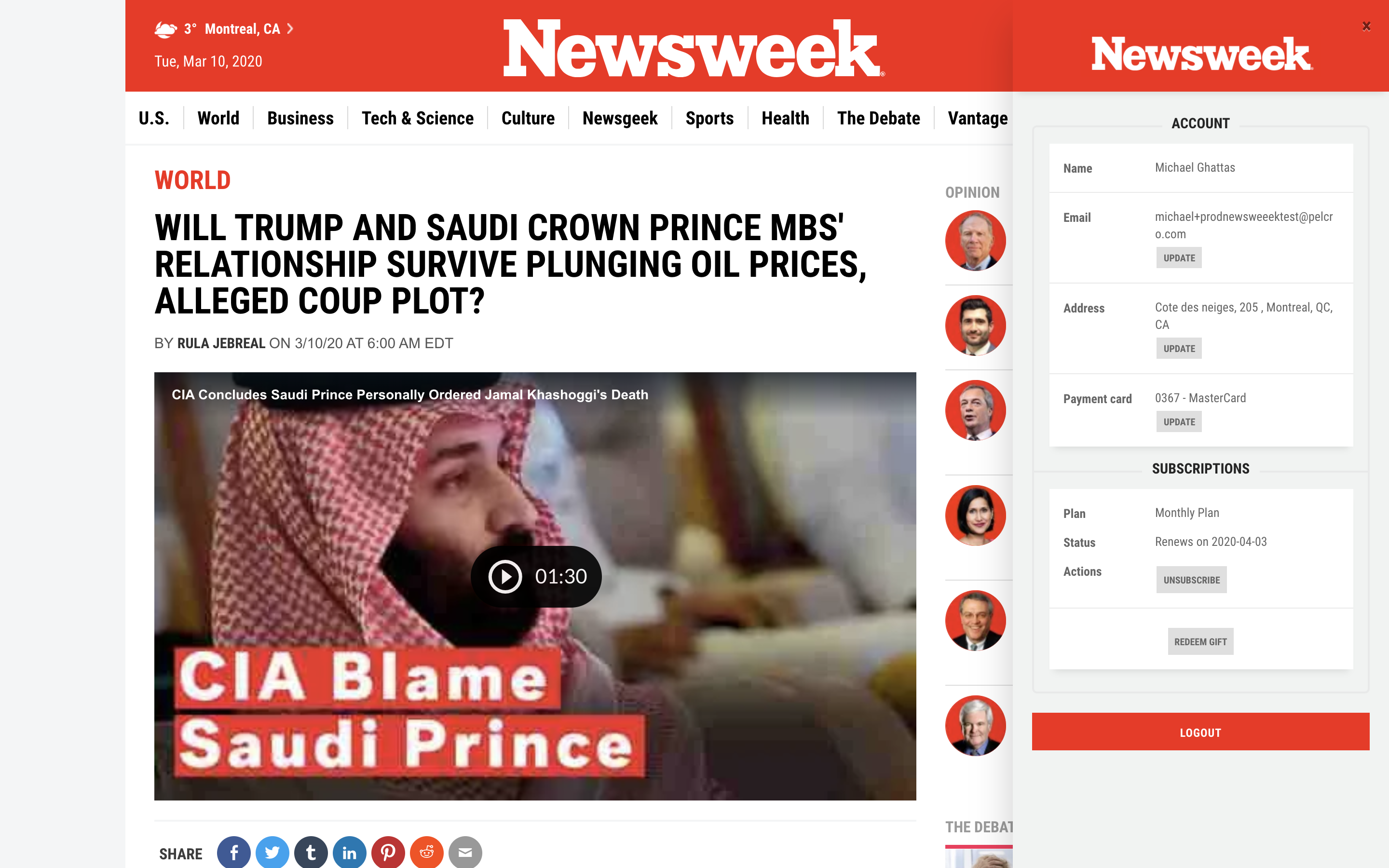
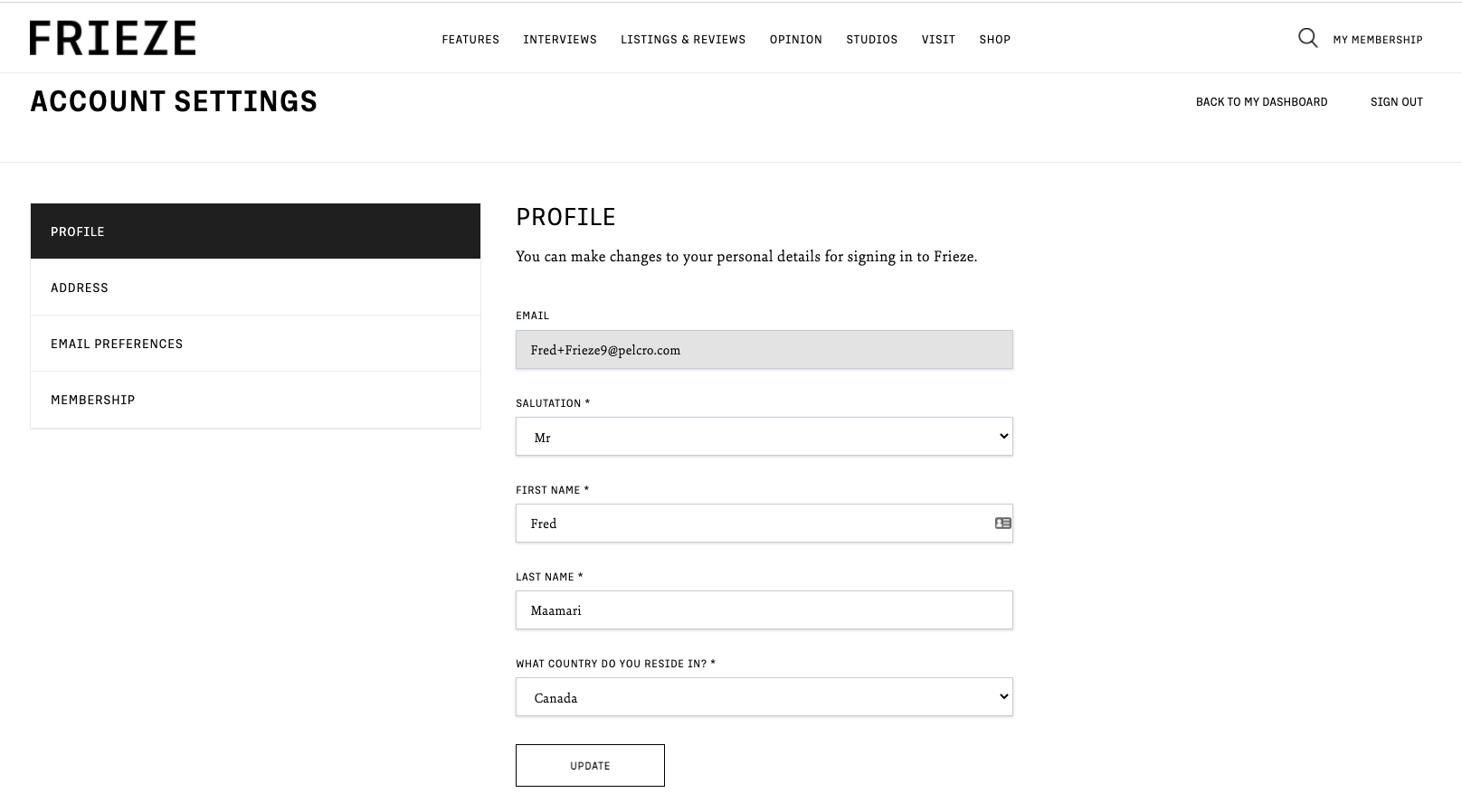
Frieze's Customer Dashboard
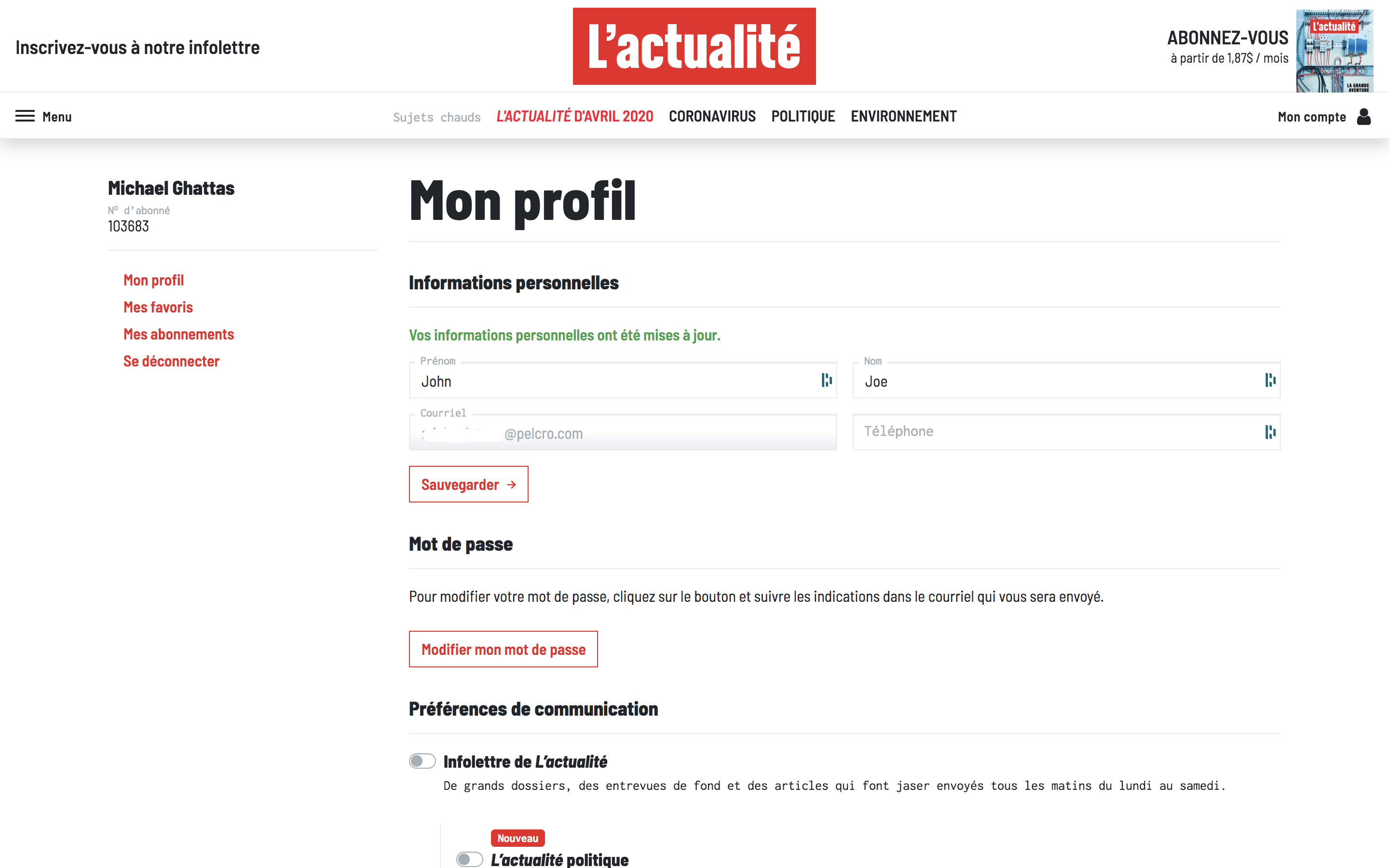
L'Actualite's Customer Dashboard
Customer's Subscription page
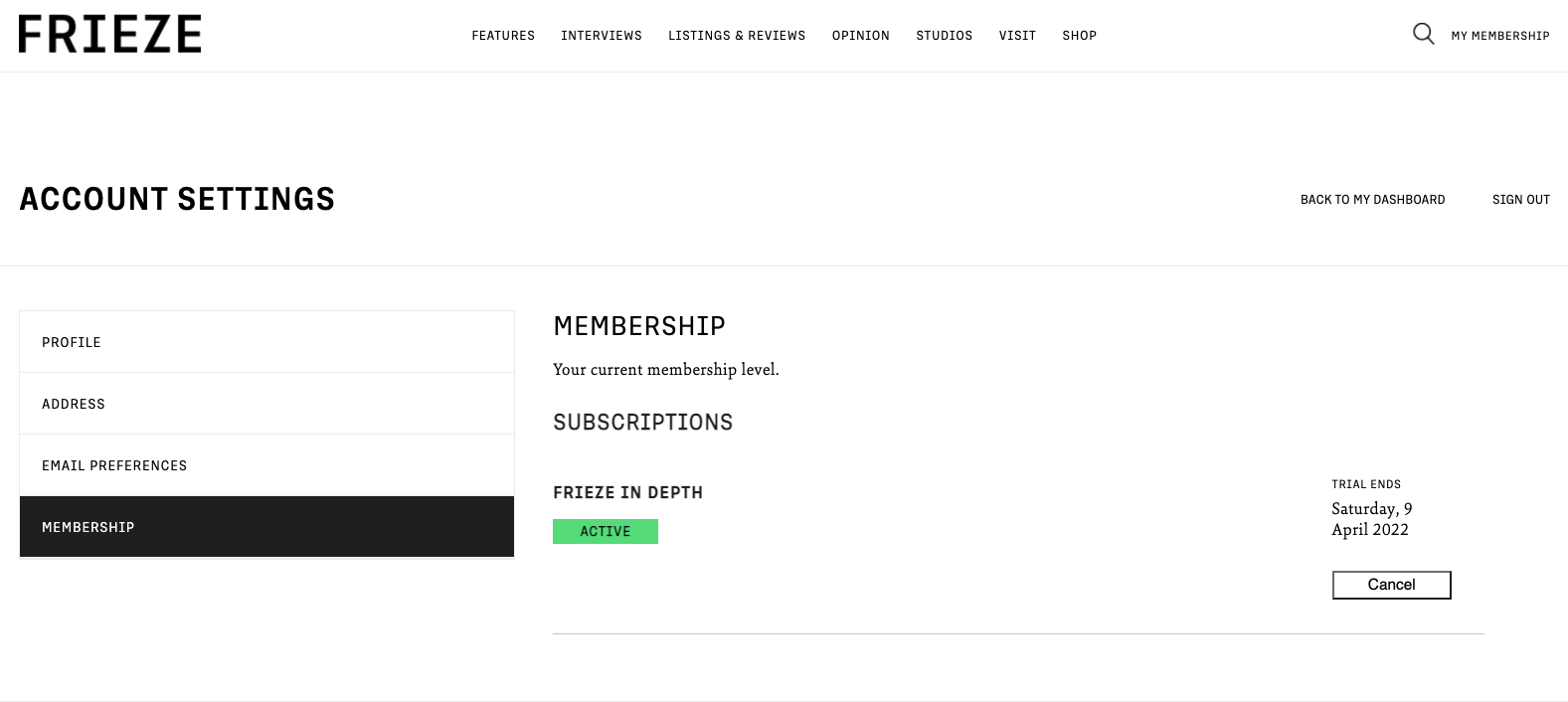
Frieze's Membership page
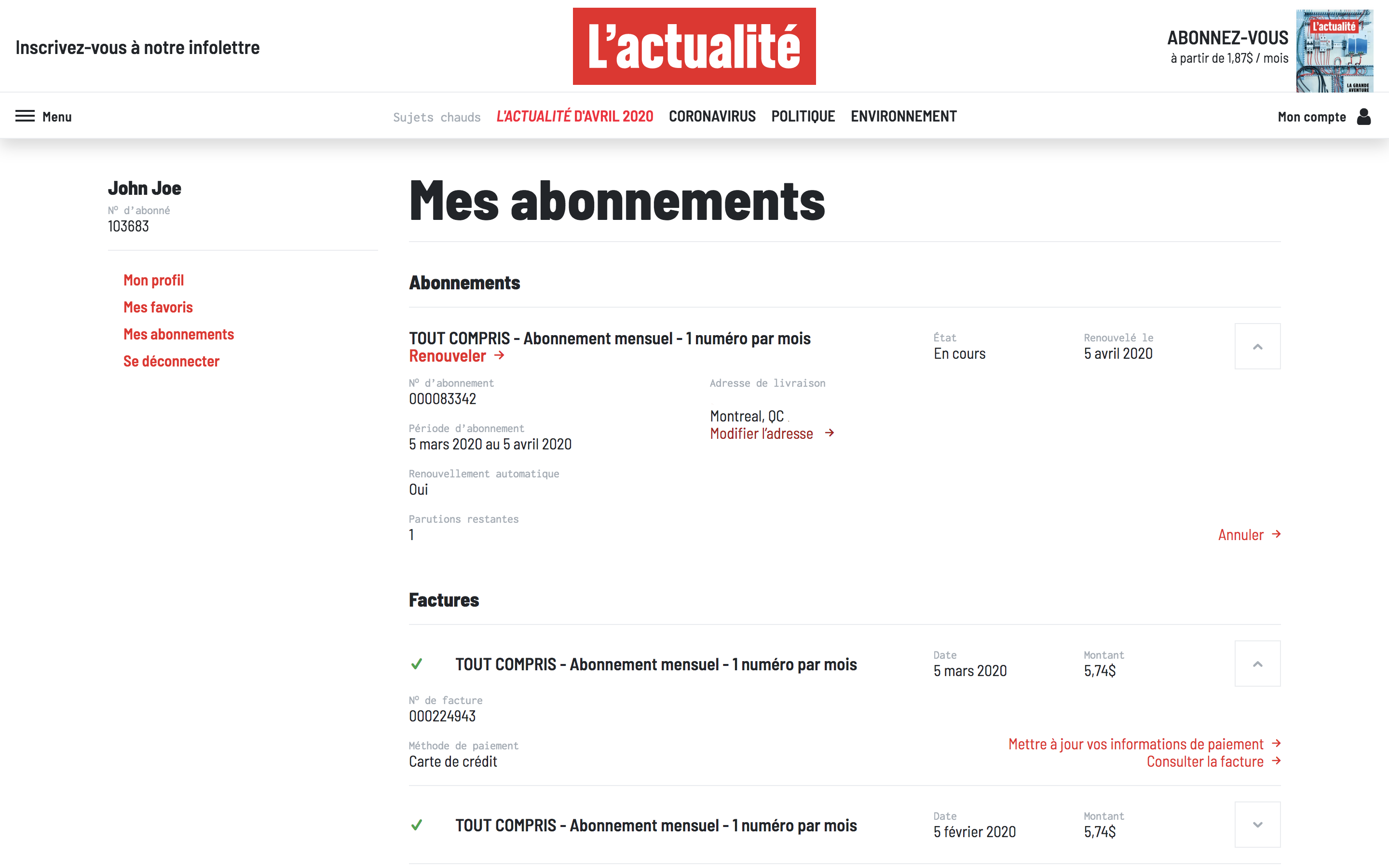
L'Actualite's Membership page
Saved & Follow
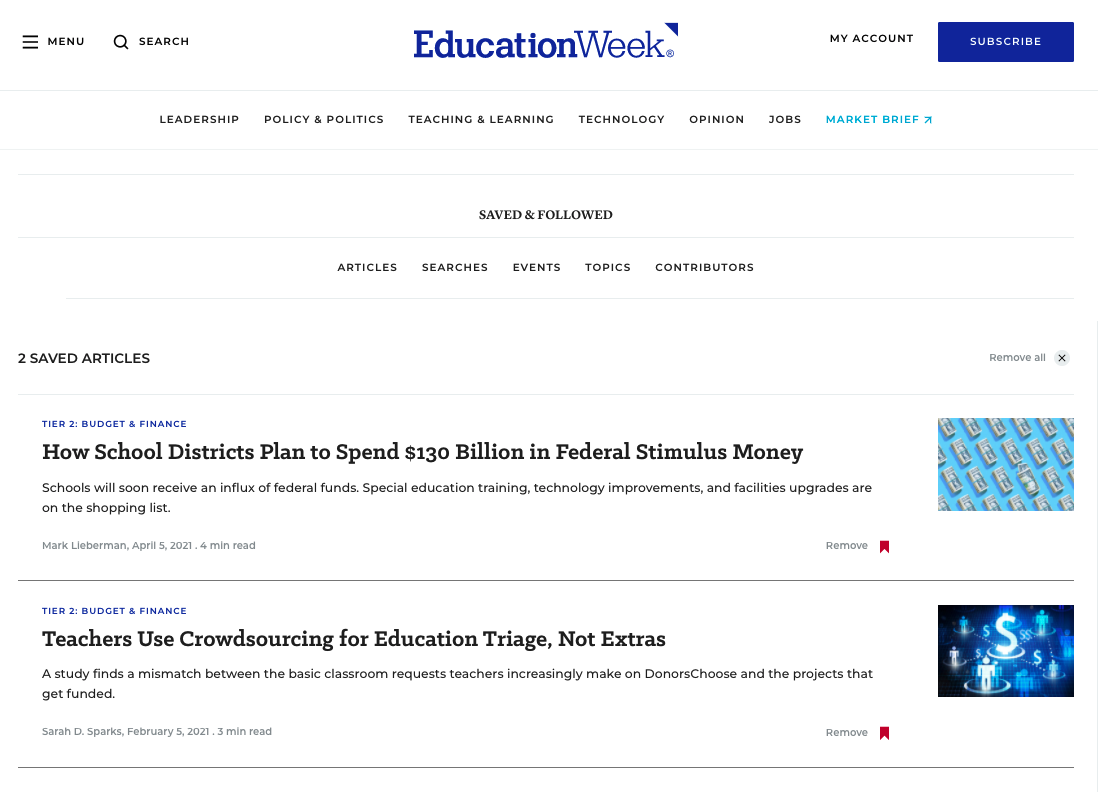
EdWeek's Saved&Followed Dashboard
Search Articles
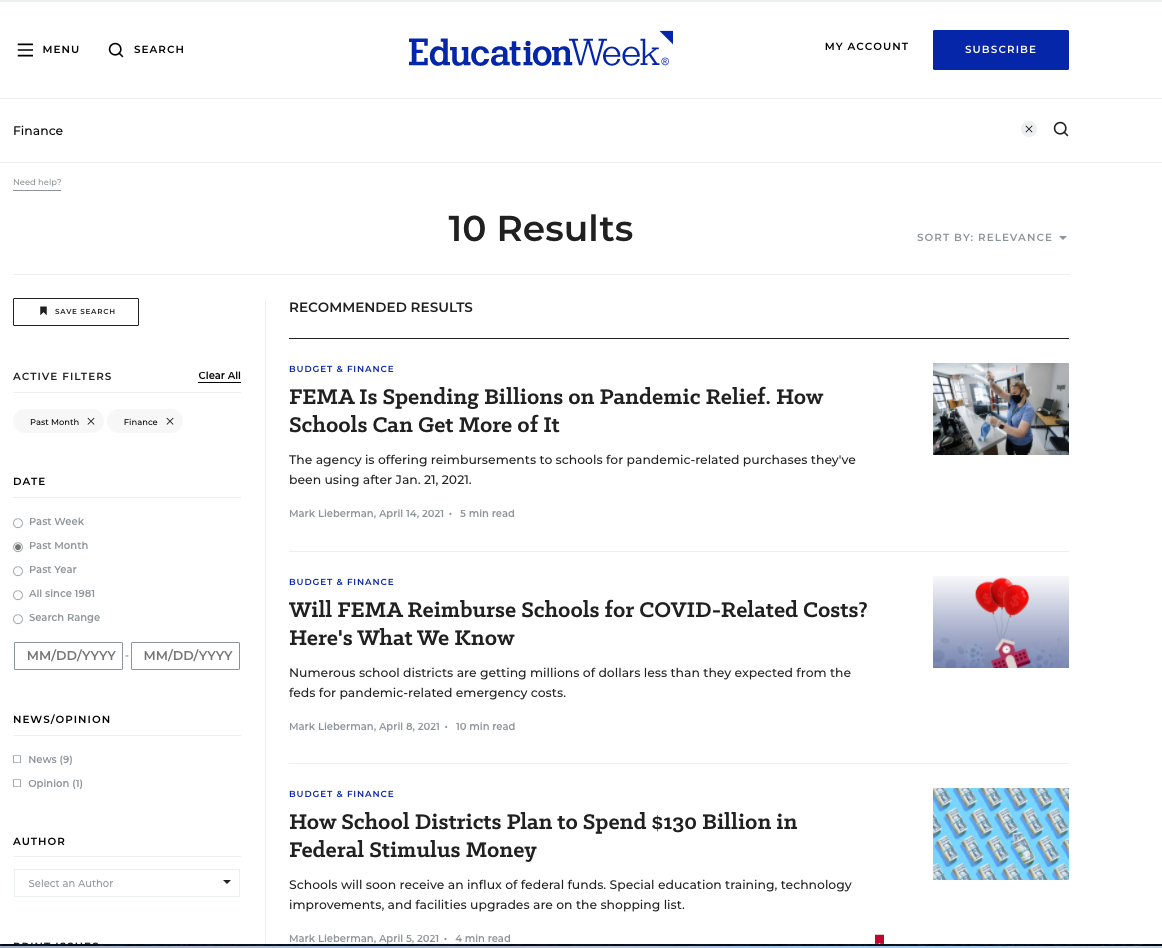
EdWeek's Search Articles page
InsideHigherEd's Event's page

Newsletter Configuration
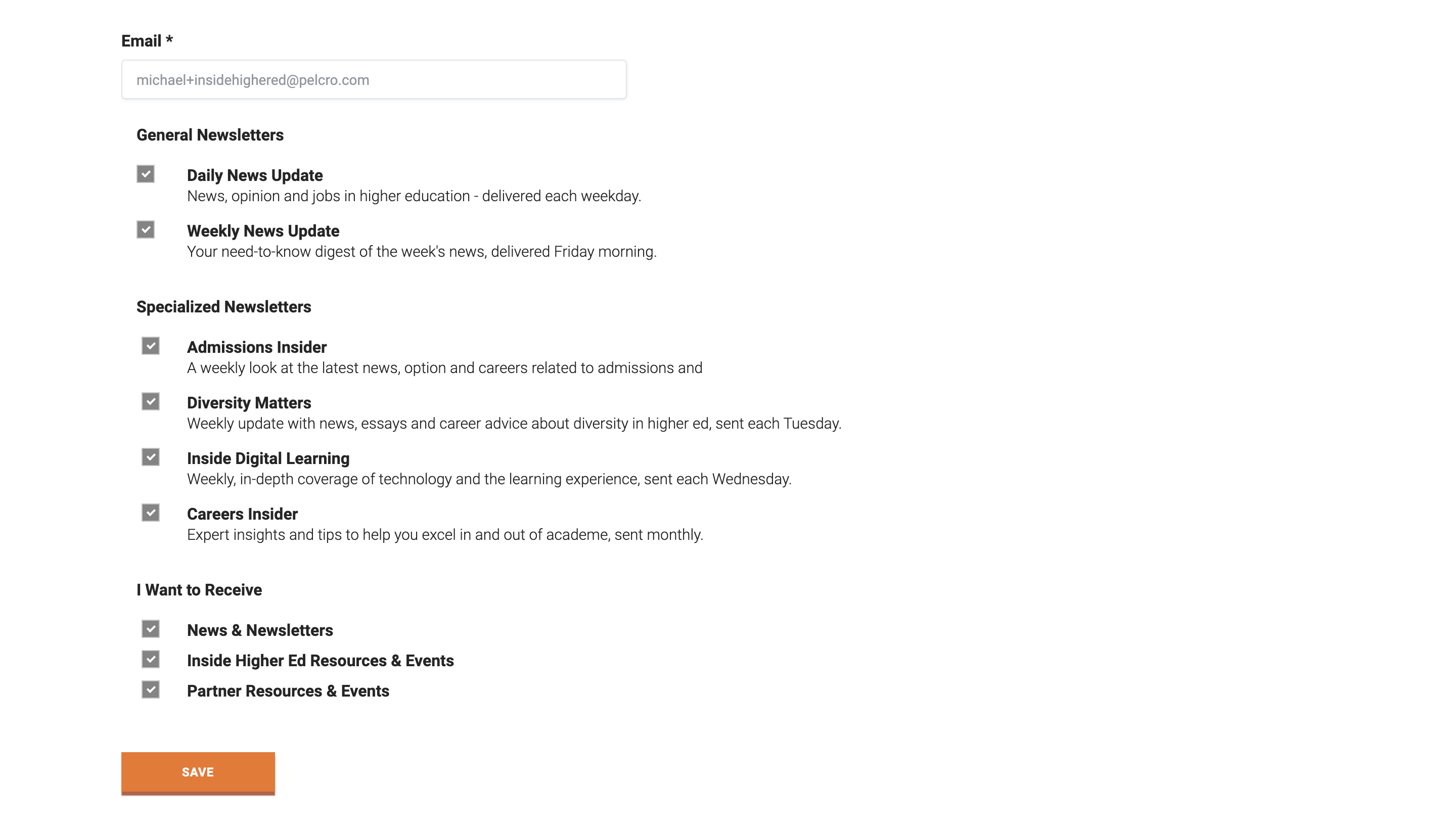
InsideHigherEd's Newsletters page
Update payment
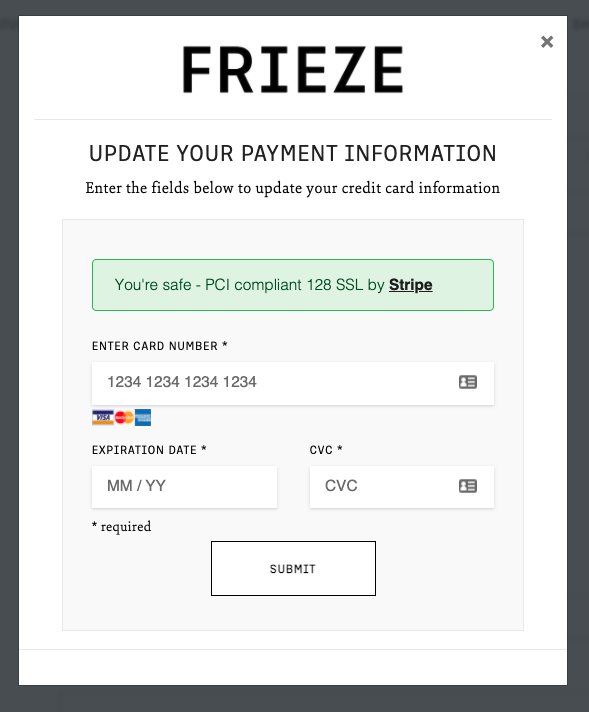
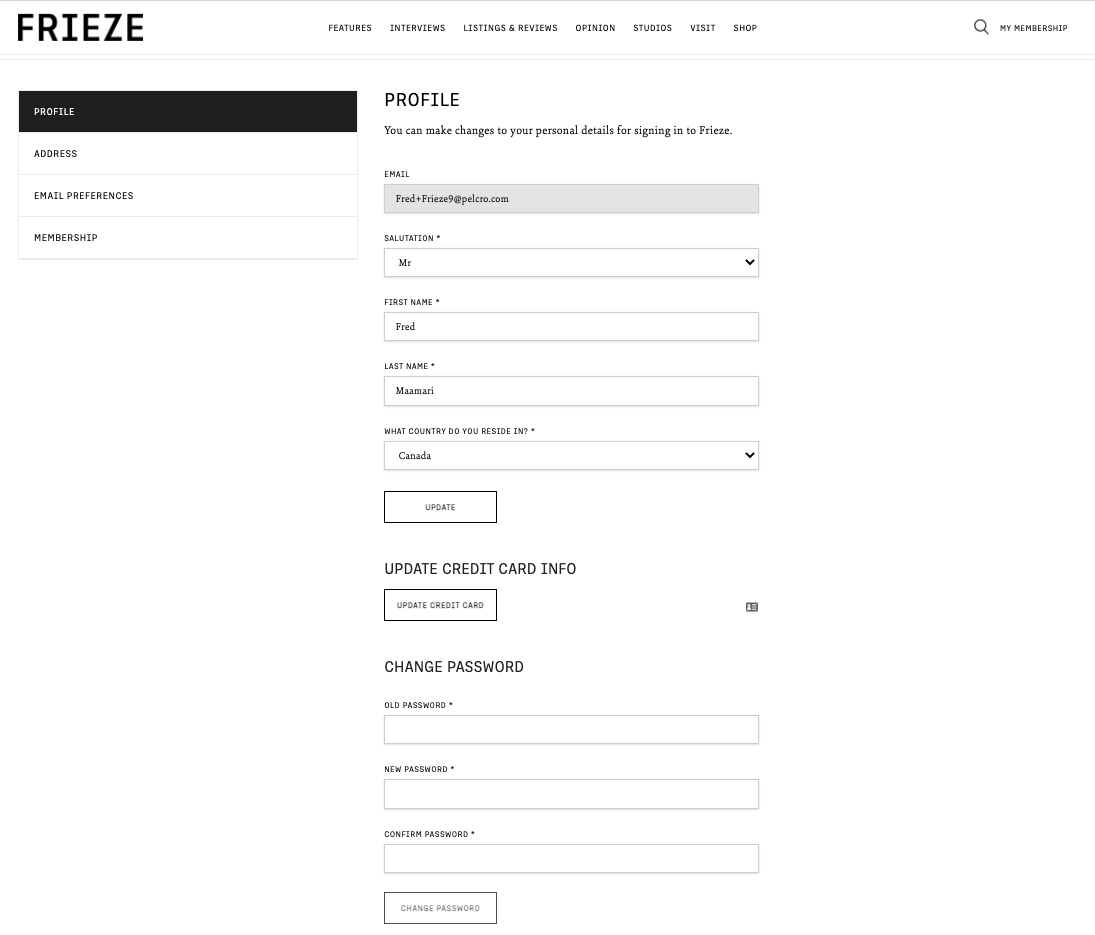
Frieze's Update payment
L'Actualite's Update payment
Frieze's Update password section
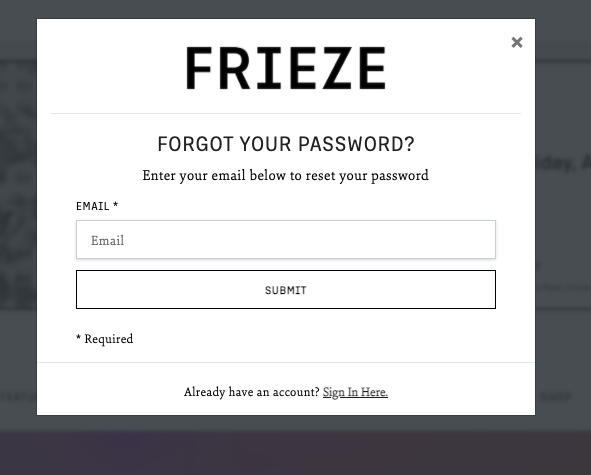
Frieze's Update password section
Related pages
Related pages
Related pages
Updated 7 months ago